# KIDZQbot Xiao Q Robot
## Introduction
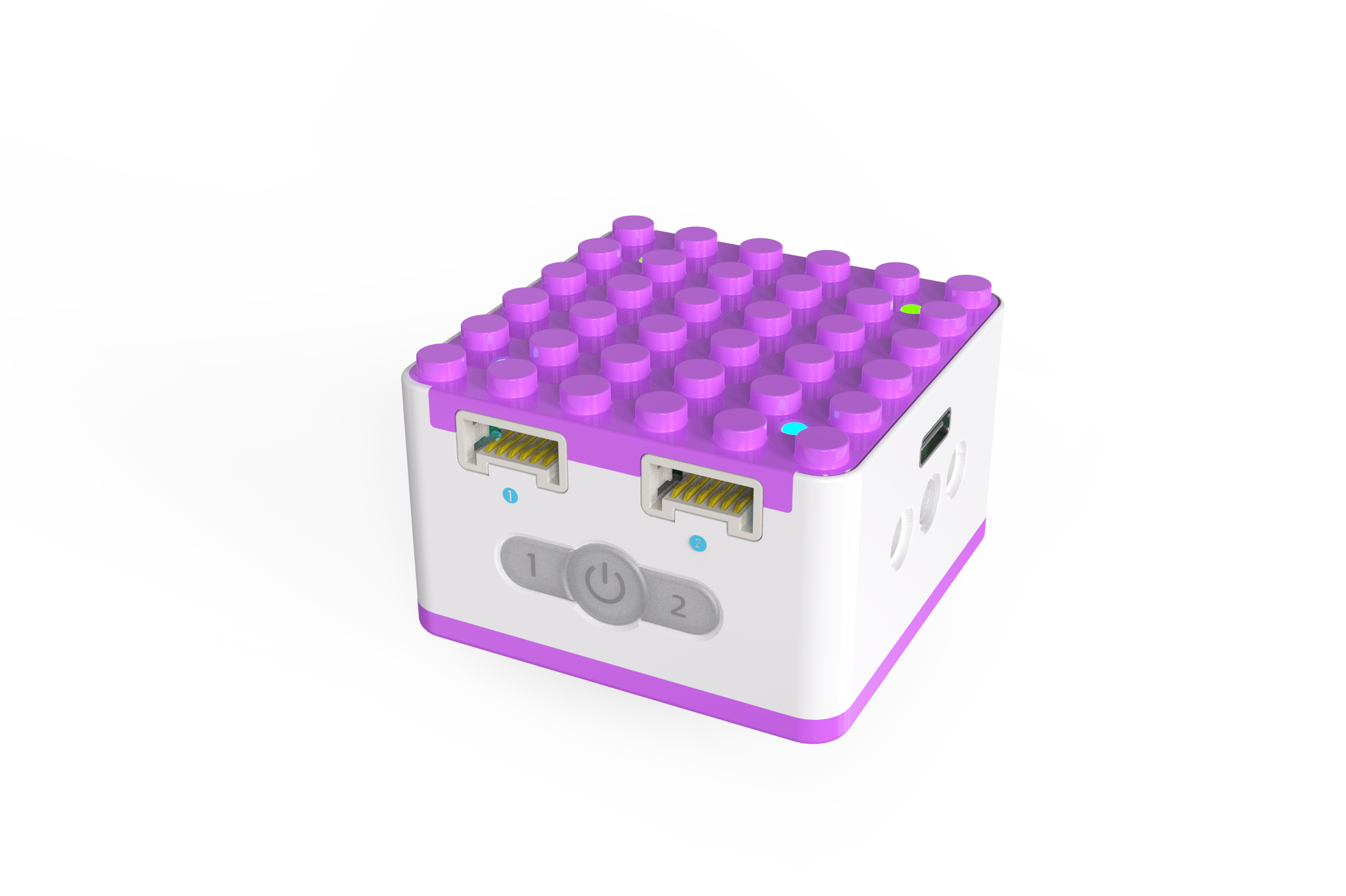
The main controller: Xiao Q Robot serves as the core of the robot's operation. Sensors send commands that require the Xiao Q Robot to process and relay to actuators to perform corresponding actions. The Xiao Q Robot features a white and purple color scheme with a split upper-lower structure. Its top and bottom are compatible with LEGO structural components, while the sides support beam-pin structures, offering extensive expandability. The Xiao Q Robot is equipped with: 2 blue input ports, 2 green output ports, 1 Type-C port, 4 indicator lights on the top, and 3 illuminated buttons, including Button 1, Power button, and Button 2.
## Structure
|  |  |
| :---: | :---: |
| | |
| No. | Name | Description |
| :---: | :---: | --- |
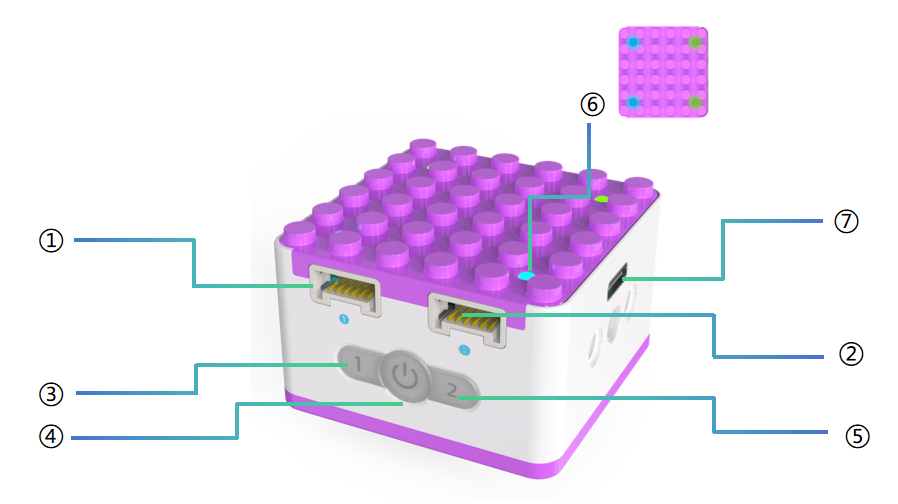
| ① | Input Port 1 | Blue-marked input port. Connects to tilt/distance sensors or voice sensors. |
| ② | Input Port 2 | Blue-marked input port. Connects to tilt/distance sensors or voice sensors. |
| ③ | Button 1 | Controls the corresponding output port motor movement. |
| ④ | Power Button | Press and hold the power button for 3s to turn the Xiao Q Robot on/off. |
| ⑤ | Button 2 | Controls the corresponding output port motor movement. |
| ⑥ | Port Indicator Lights | Shows the status of each port and battery status during charging. |
| ⑦ | USB-C Port | Charges the Xiao Q Robot with a 5V⎓1A power adapter. |
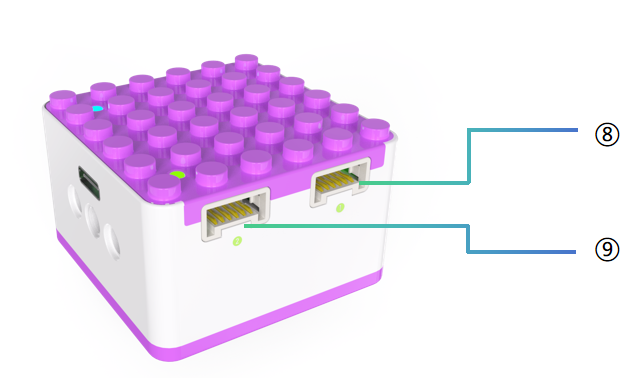
| ⑧ | Output Port 1 | Green-marked output port. Connects to the motor. |
| ⑨ | Output Port 2 | Green-marked output port. Connects to the motor. |
### Indicator Light Descriptions
|  |  |
| :---: | :---: |
| | |
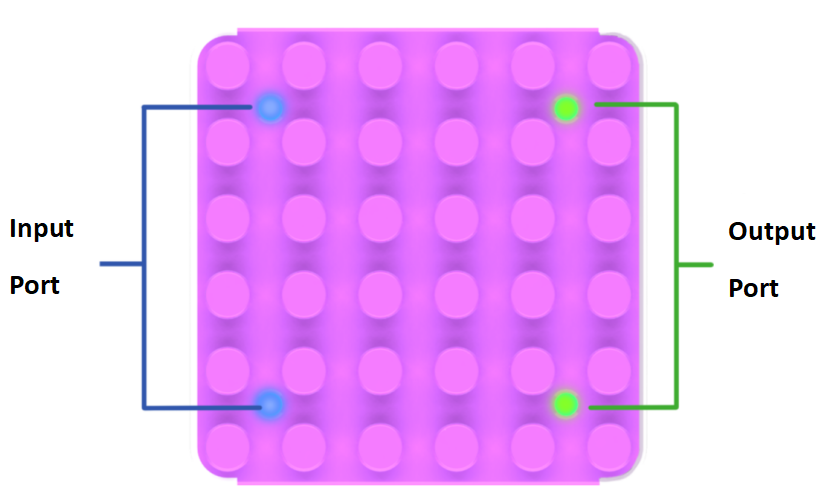
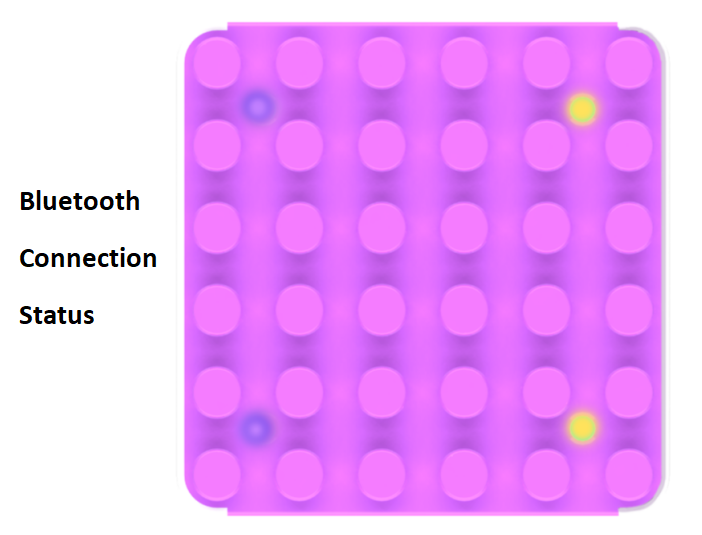
1. After normal startup, the indicator lights for input ports are blue, and for output ports, green.
2. In Bluetooth mode, input ports are purple, and output ports are yellow.
### Battery Indicator Descriptions
|  |  |  |  |
| --- | :---: | :---: | --- |
| | | |
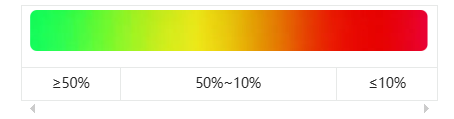
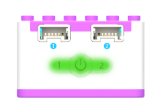
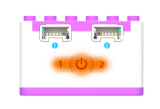
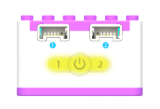
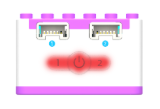
1. The battery indicator light shows the Xiao Q Robot'sbattery level during operation. When the battery is below 1%, the robot will shut down automatically.
2. Charging status indicators:
| Status | Battery Indicator Lights | Port Indicator Lights |
| :---: | --- | --- |
| Powered off | Flashes until fully charged.
The flash color corresponds to the battery level. | 4 ports display battery level:
1 light = 25%, 2 lights = 50%,
3 lights = 75%, 4 lights = 100%. |
| Powered on | No reaction. | No reaction. |
### Structural Expansion Diagram
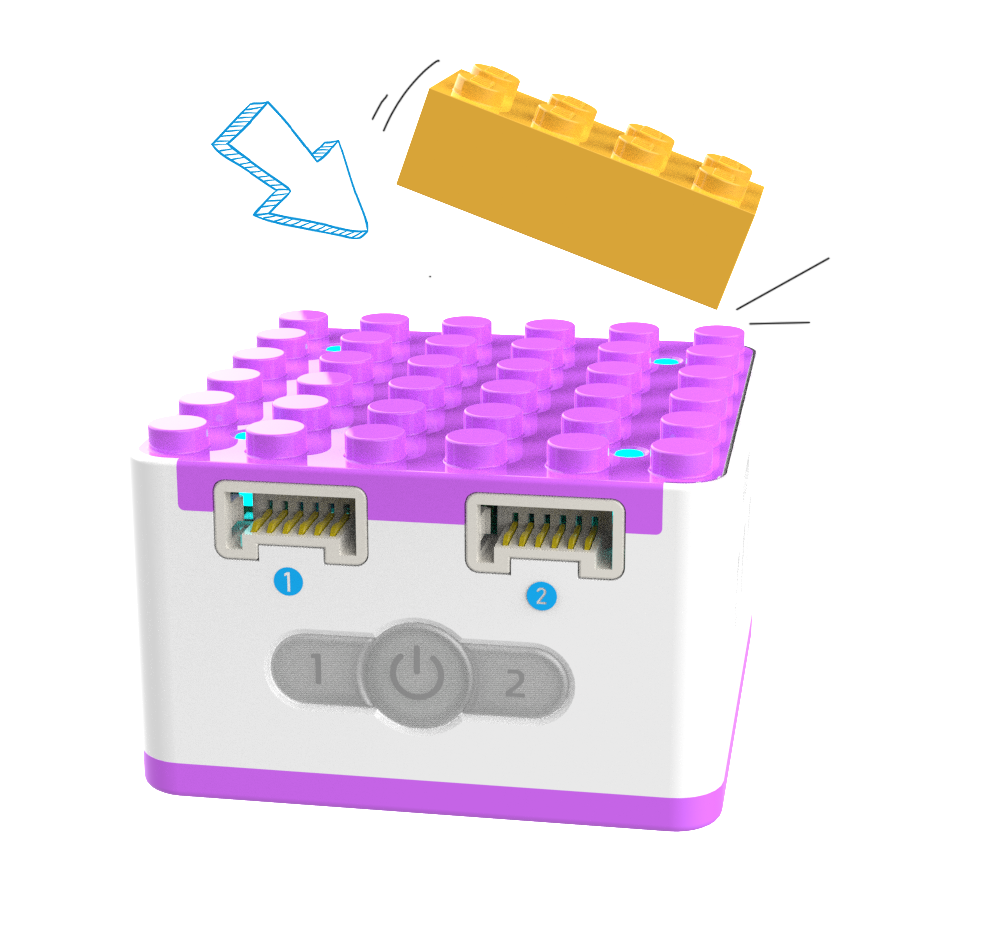
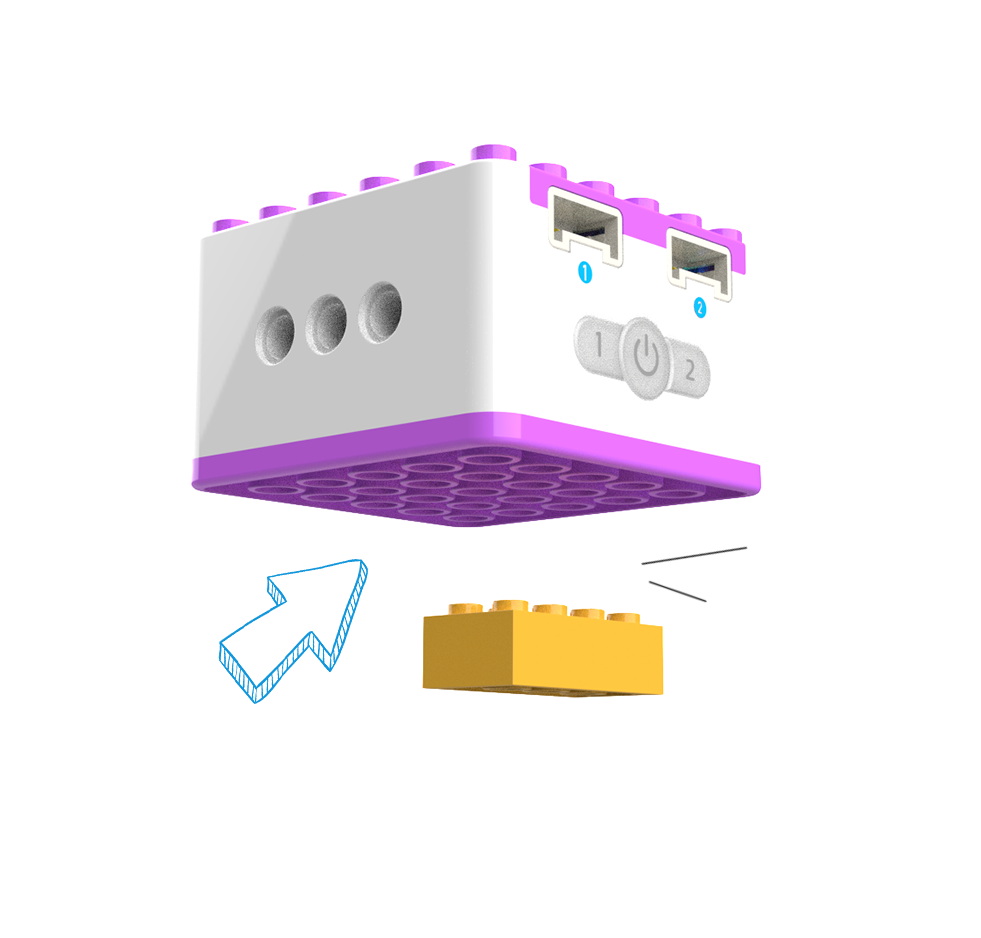
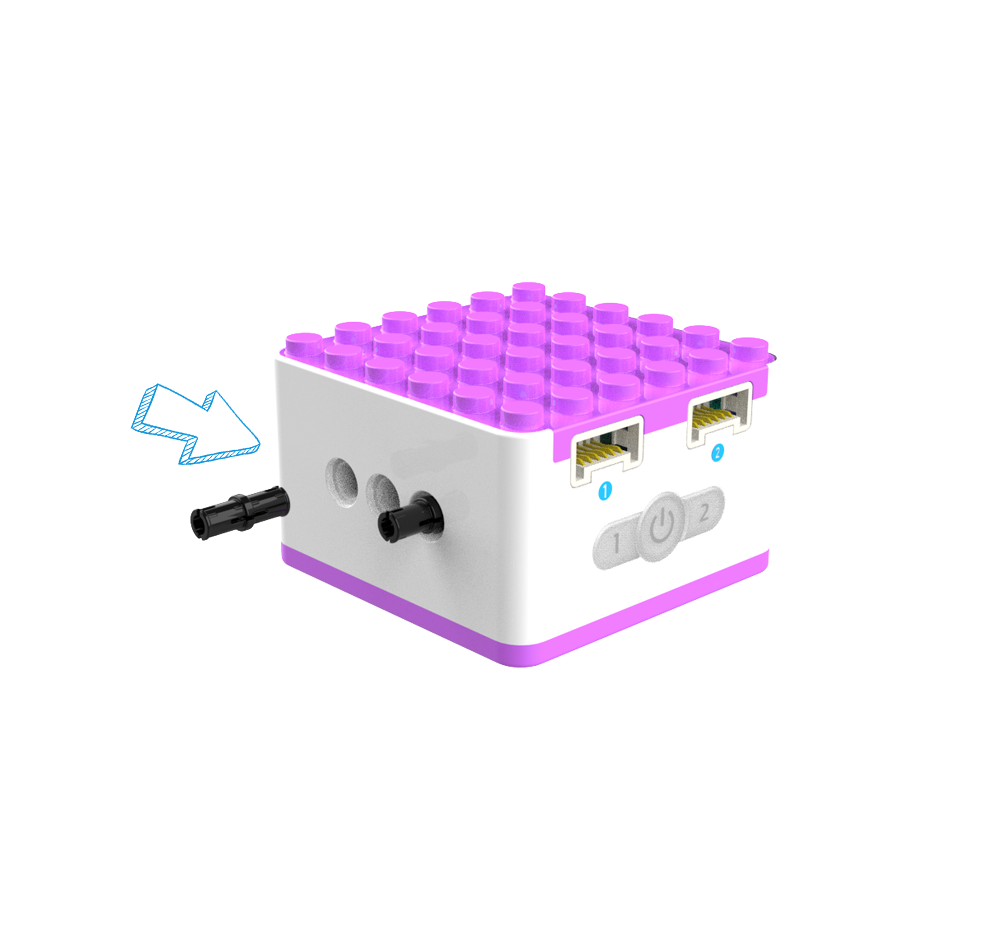
1. The Xiao Q Robot can be creatively expanded with LEGO bricks, plates, and pins. (See diagram below.)
|  |  |  |
| --- | :---: | :---: |
| | | |
## Specifications
| Item | Description |
| :---: | :---: |
| Name | KIDZQbot Xiao Q Robot |
| Code | B0130005 |
| Dimensions | 48×48×31 mm |
| Weight | 56 g |
| Material | ABS |
| Battery Capacity | 1200 mAh(LiPo) |
| Charging Input | 5V⎓1A |
| Battery Life | 2 h |
| Connectivity | BLE4.2 |
| Coding Support | KIDZQbot 、 Voice Programming |
| Input Ports | 2 |
| Output Ports | 2 |
| Age | 5+ |
| Compatibility | LEGO |
## Usage Instructions
| Type | Description |
| :---: | :---: |
| Direct Control Mode | Buttons 1/2 control motor movement. |
| Logic Control Mode | Input controls output; ports correspond to controls.
Distance sensors control motor rotation.
Tilt sensors control motor rotation. |
| Voice Programming Mode | Input controls output; ports correspond to controls.
Voice commands control motor rotation. |
| Software-Hardware Interaction Mode | Software controls motor rotation.
Sensors control software character movements. |
For more detailed usage instructions, refer to the function guide and click [**Learn More**](/docs/KIDZQbot/04Featureoverview/01DirectControlMode.html).