Voice Programming Mode
Voice Direct Control
Demonstration
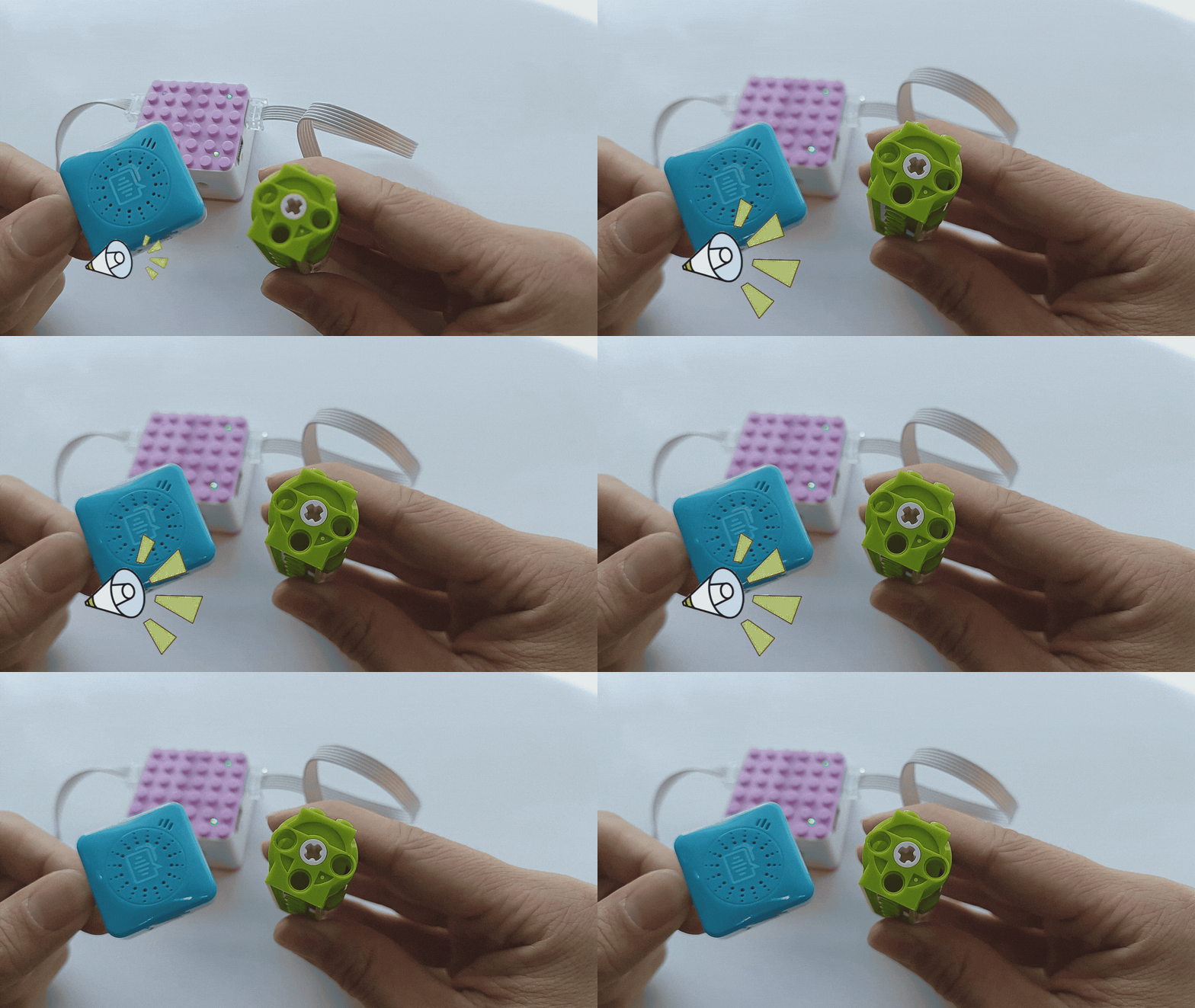
How to control the motor’s movement using voice commands?
Steps:
Preparation
|
|
|
|---|---|---|
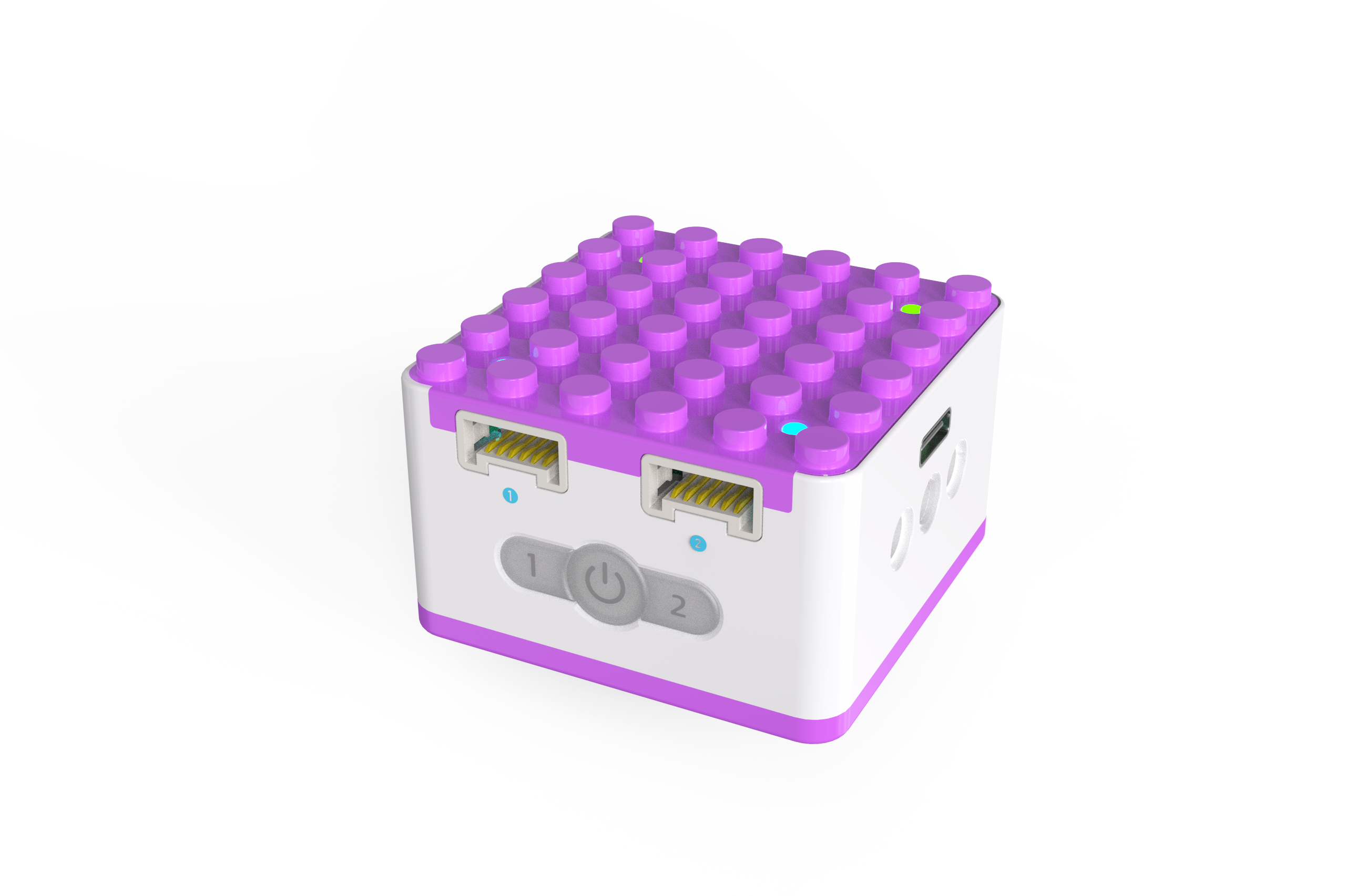
KIDZQbot Xiao Q Robot × 1 |
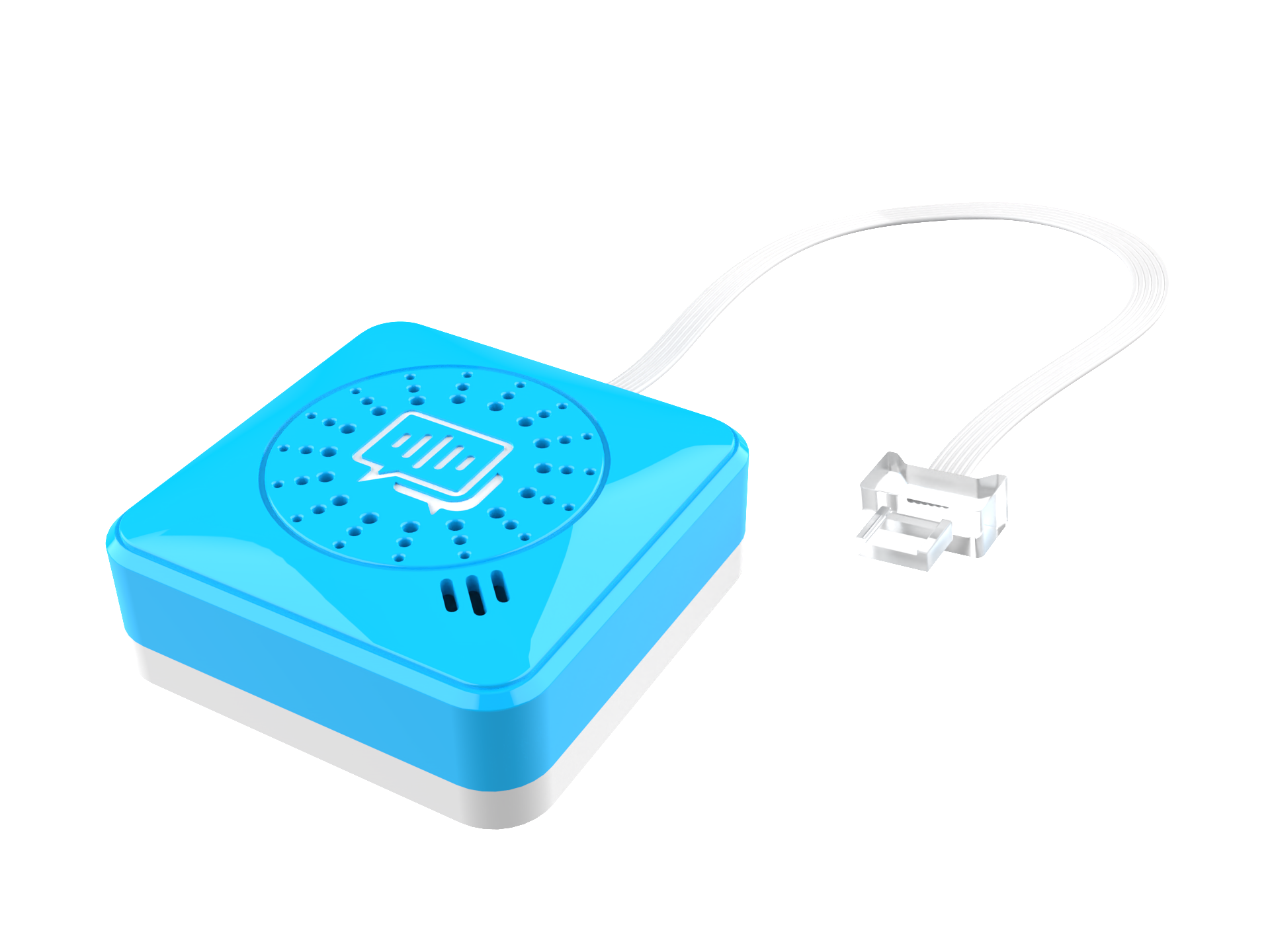
Voice Recognition Sensor ×1 |
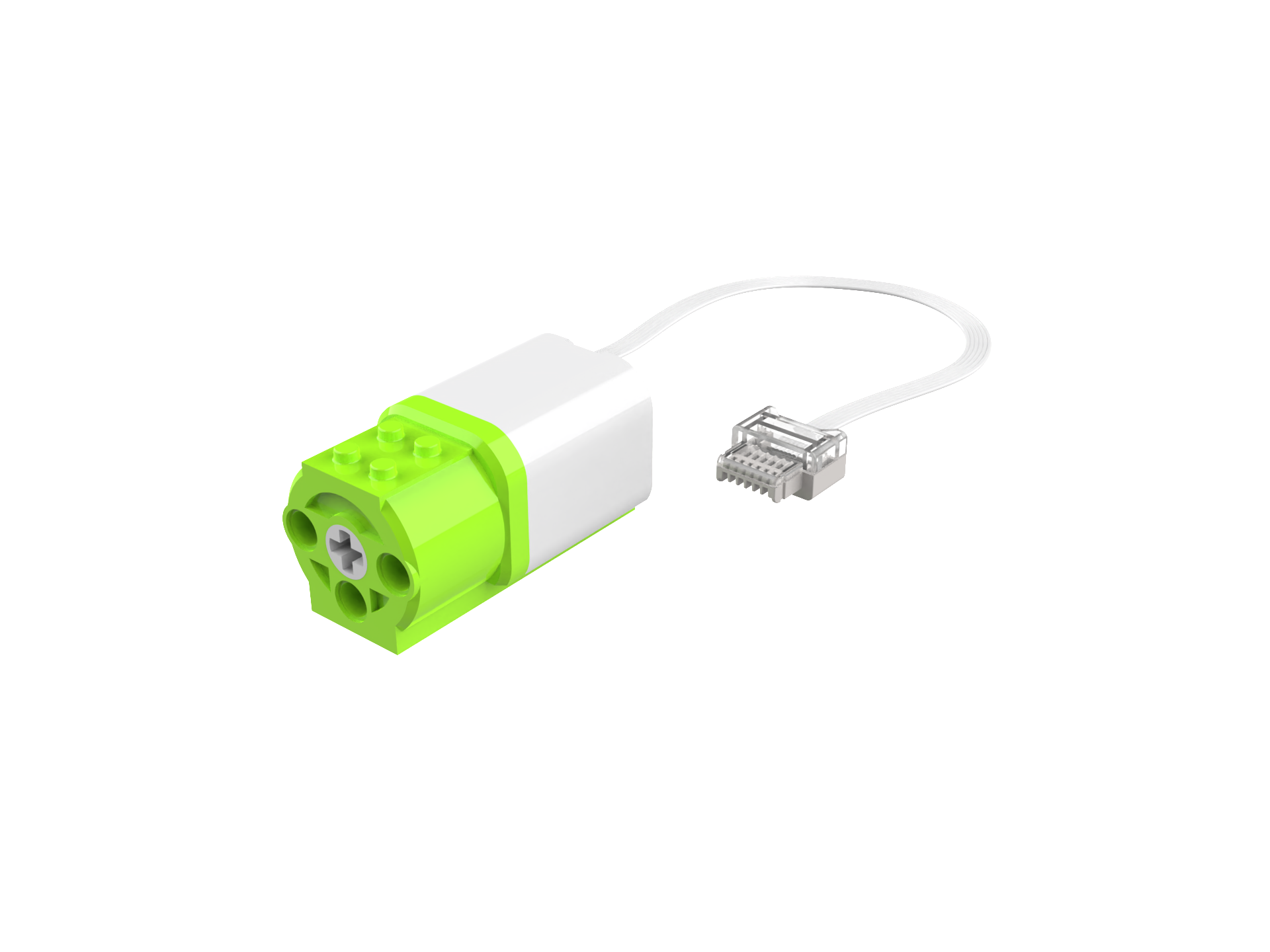
Motor × 1 |
Steps Display
|
|
|---|---|
1、Press and hold the power button on the Xiao Q Robot for 3s to power it on. |
2、Connect the motor to Port 1 (green side). |
|
|
3、Connect the voice sensor to Port 1 (blue side). |
4、Wake up the voice recognition sensor by saying “Hello Xiao Q” and wait for the response. |
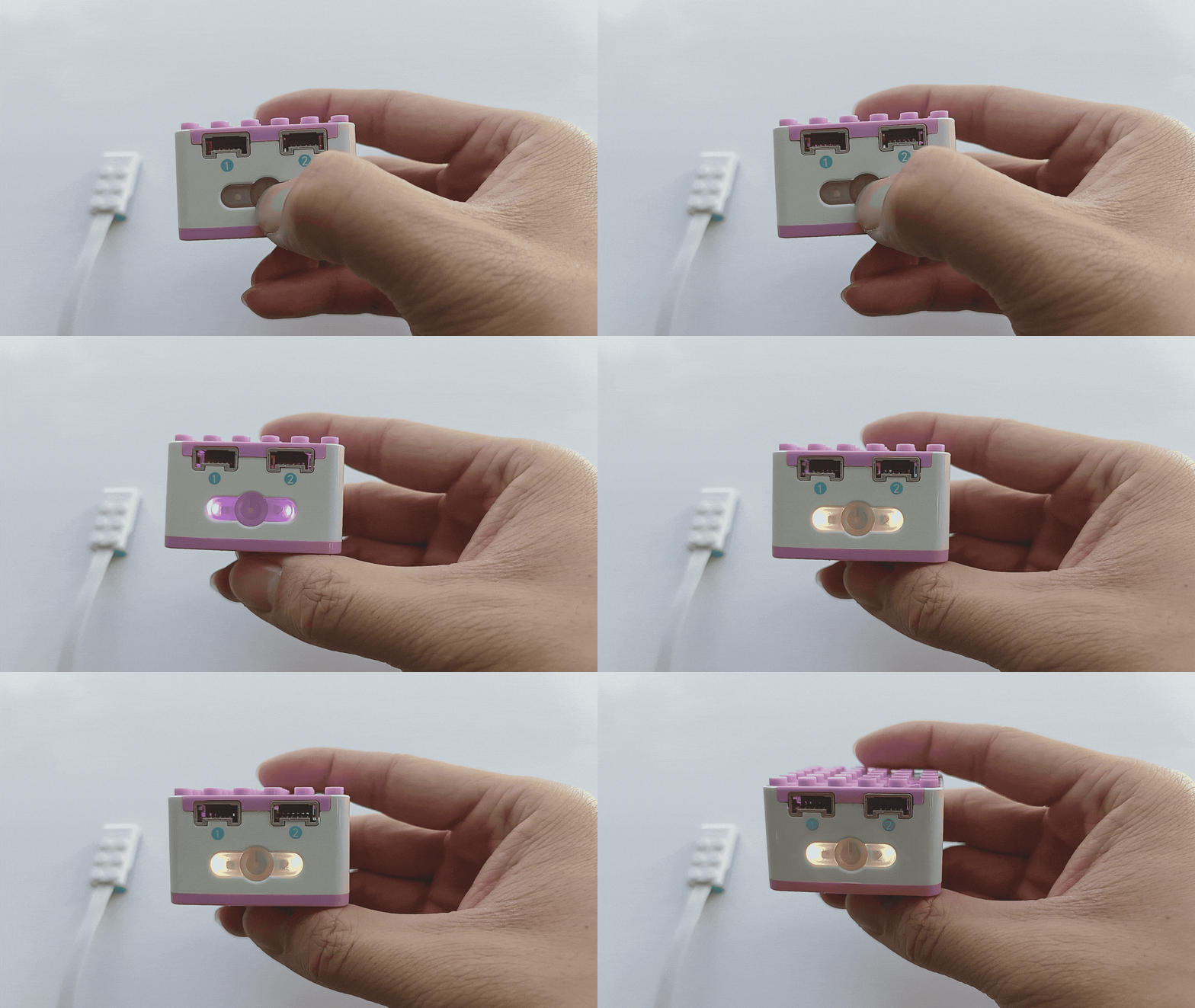
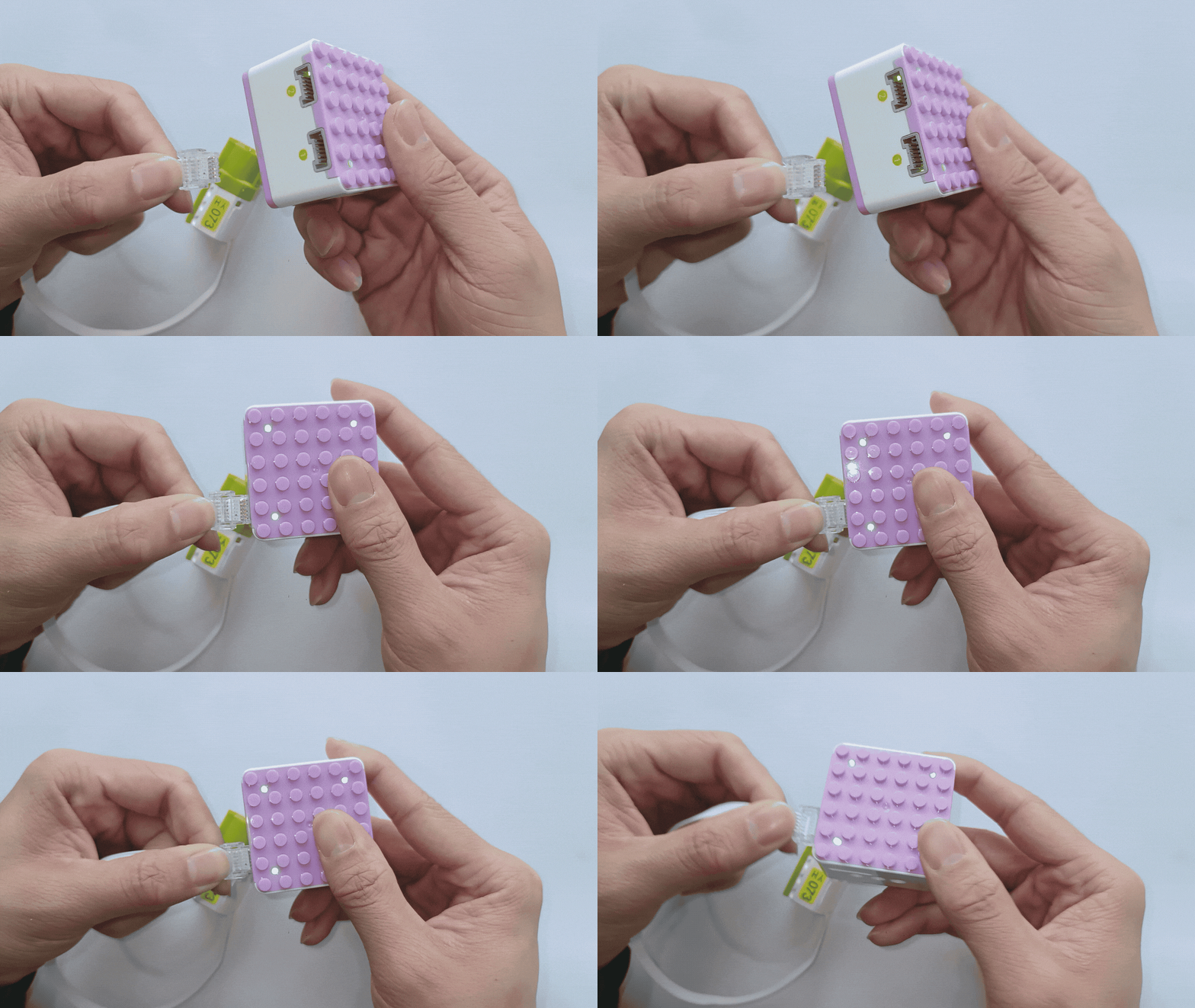
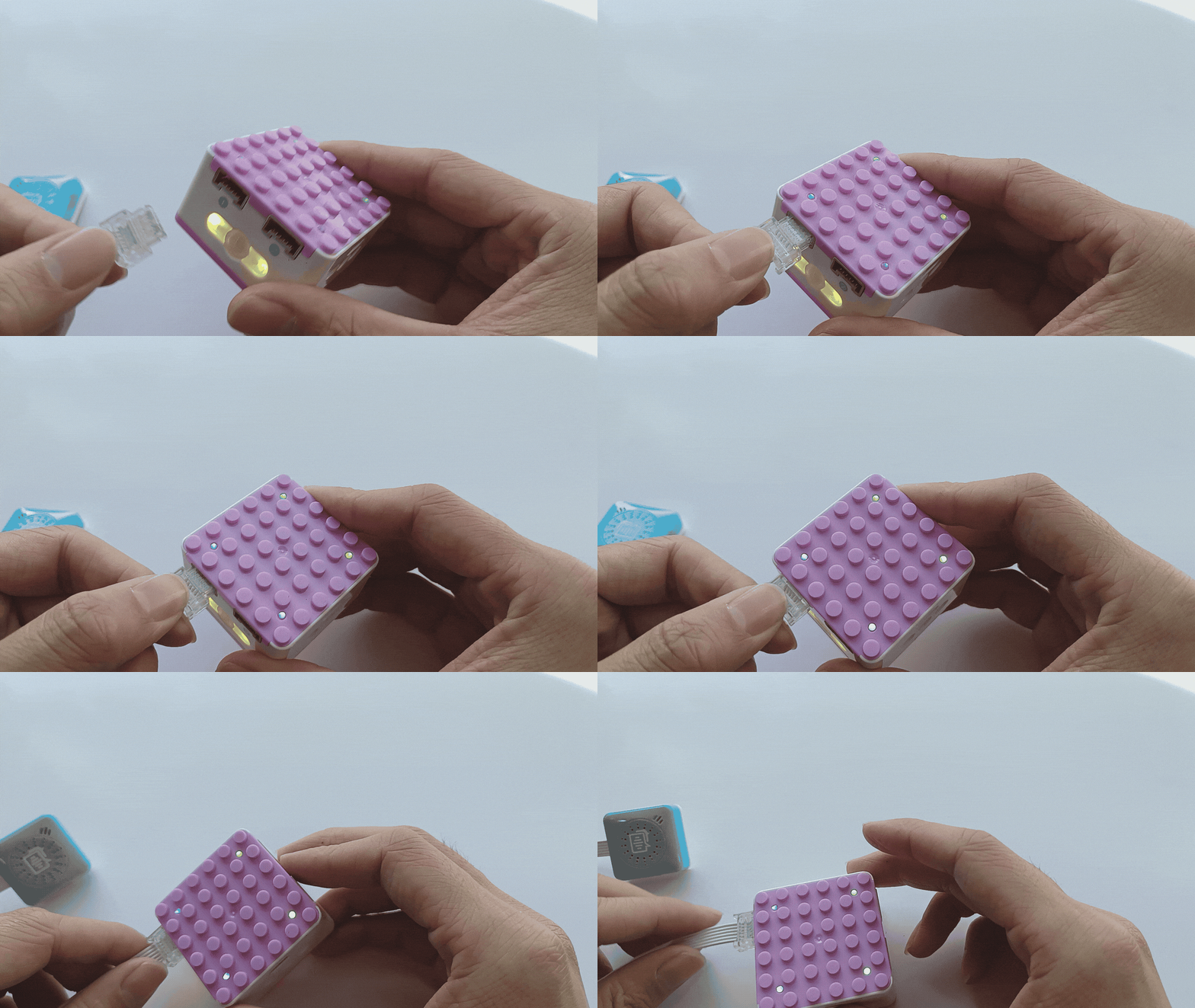
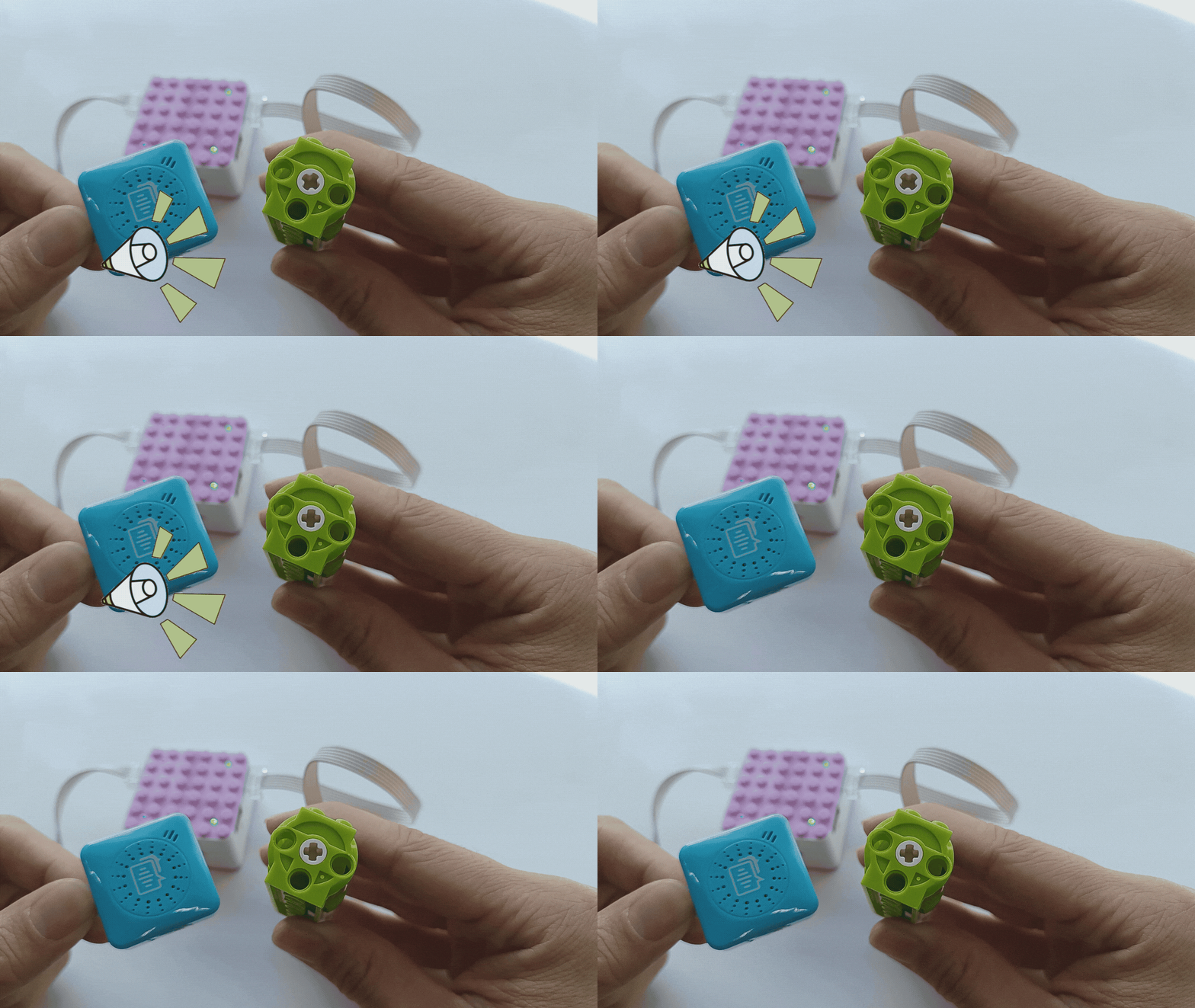
Note:
The voice command should match the motor’s port, as shown below:
Port Connection |
Command Word |
Command Word |
|---|---|---|
Port 1 connected to motor |
Motor rotates |
Motor does not rotate |
Port 2 connected to motor |
Motor does not rotate |
Motor rotates |
Both Port 1 and Port 2 connected to motors |
Both motors rotate |
Motor rotates |
*Other command word effects can be tried on your own.
Voice Programming Control
Demonstration
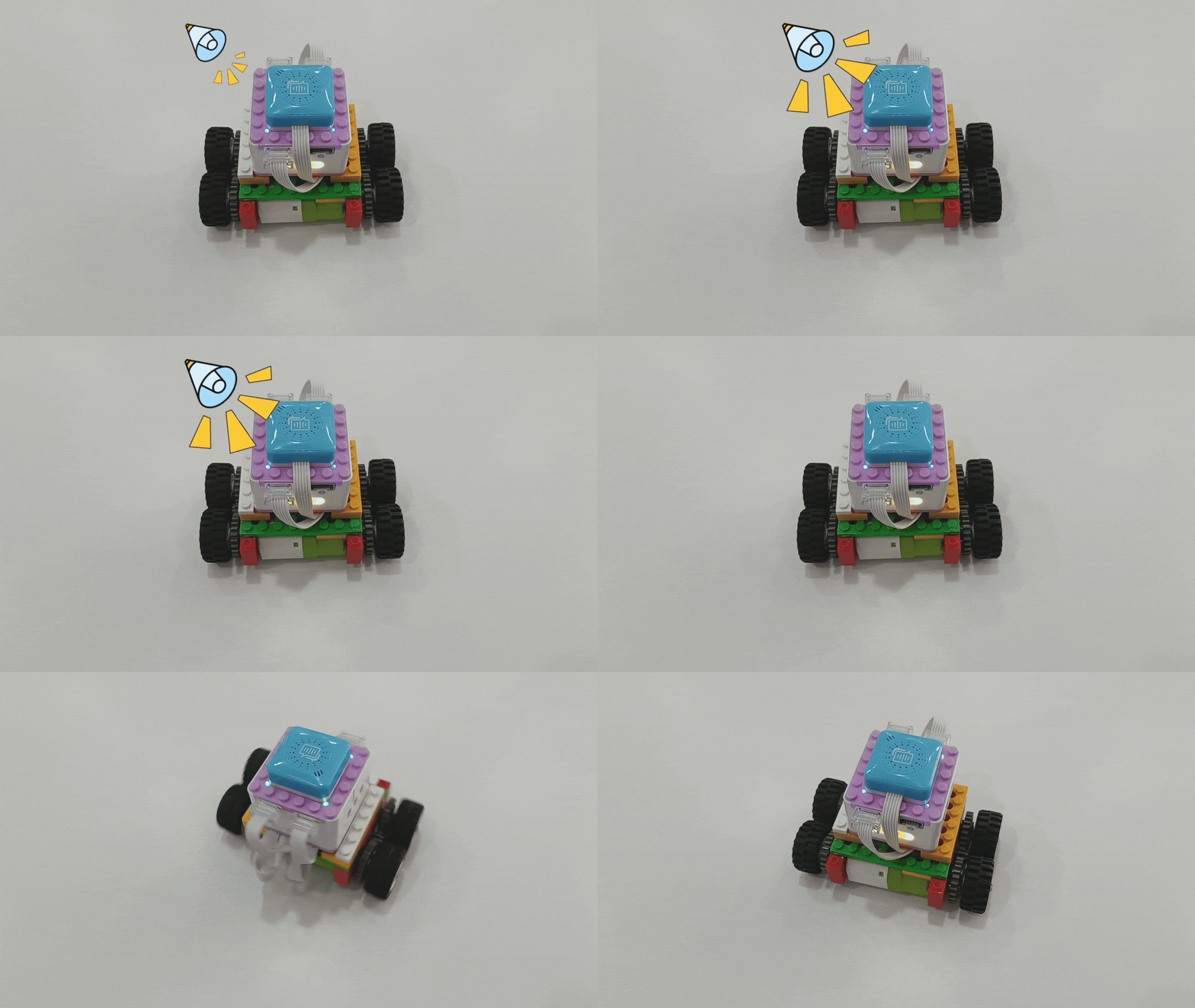
How to use voice programming to control the robot’s movement?
Preparation
|
|
|
|---|---|---|
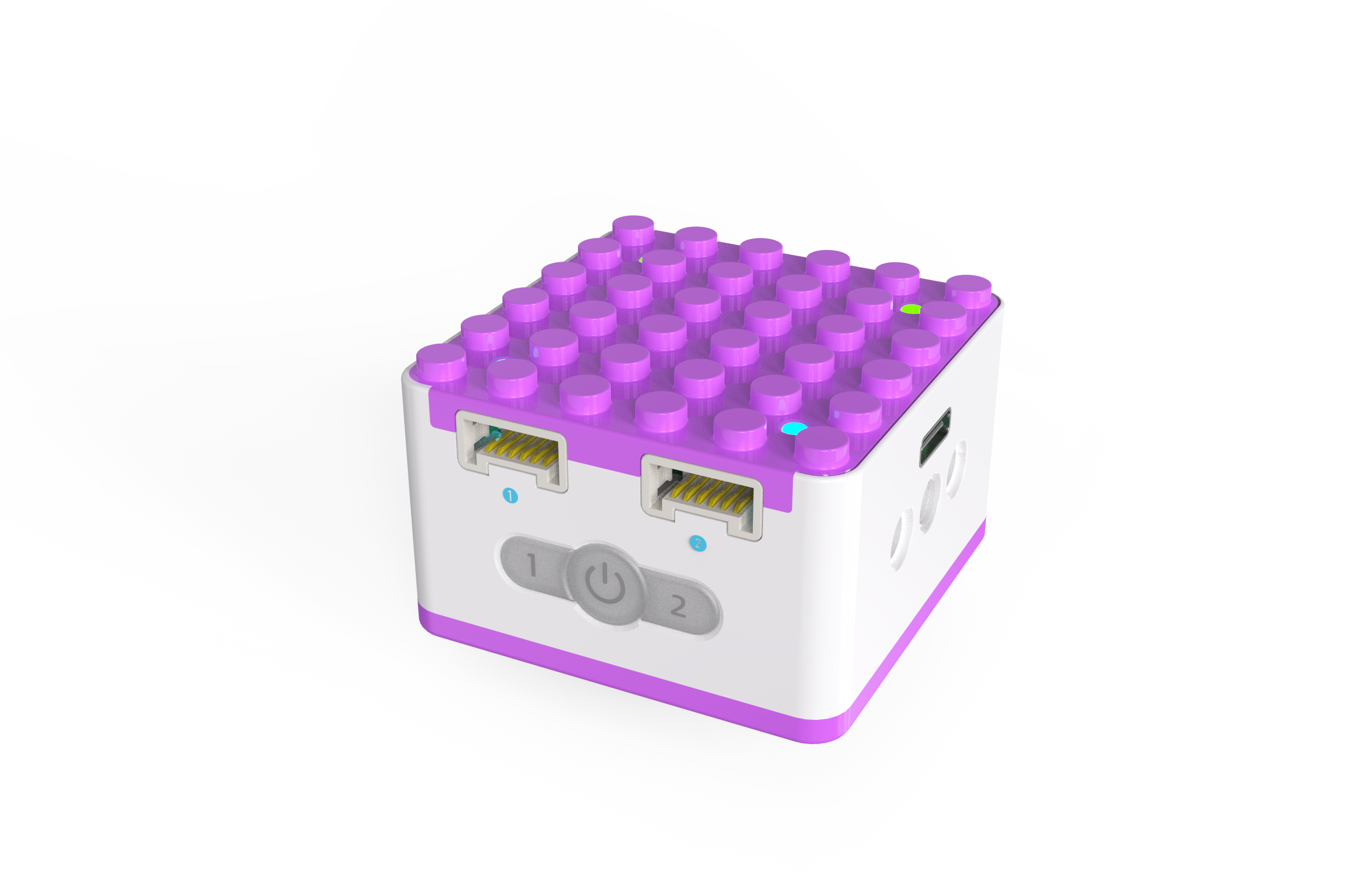
KIDZQbot Xiao Q Robot × 1 |
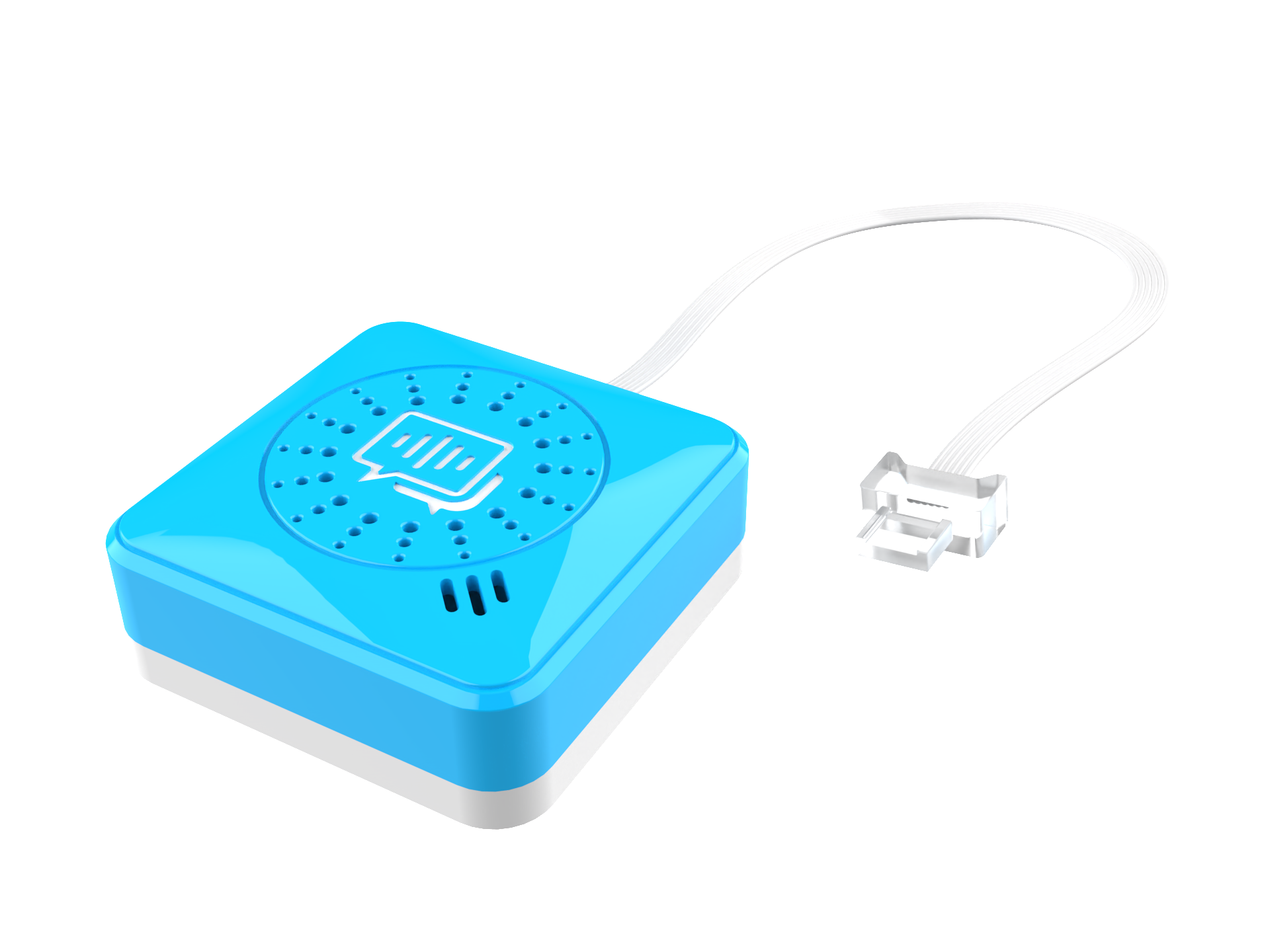
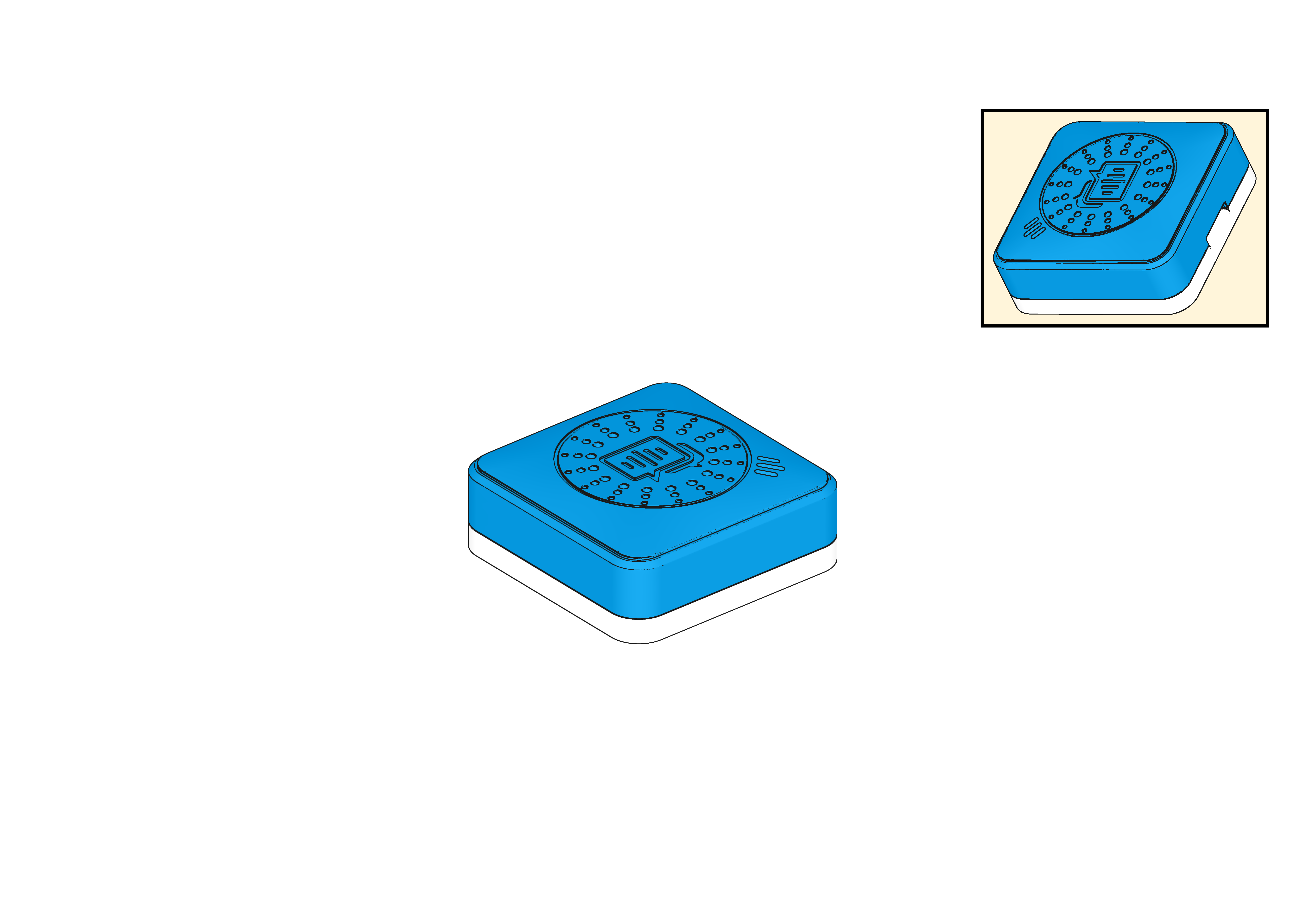
Voice Recognition Sensor ×1 |
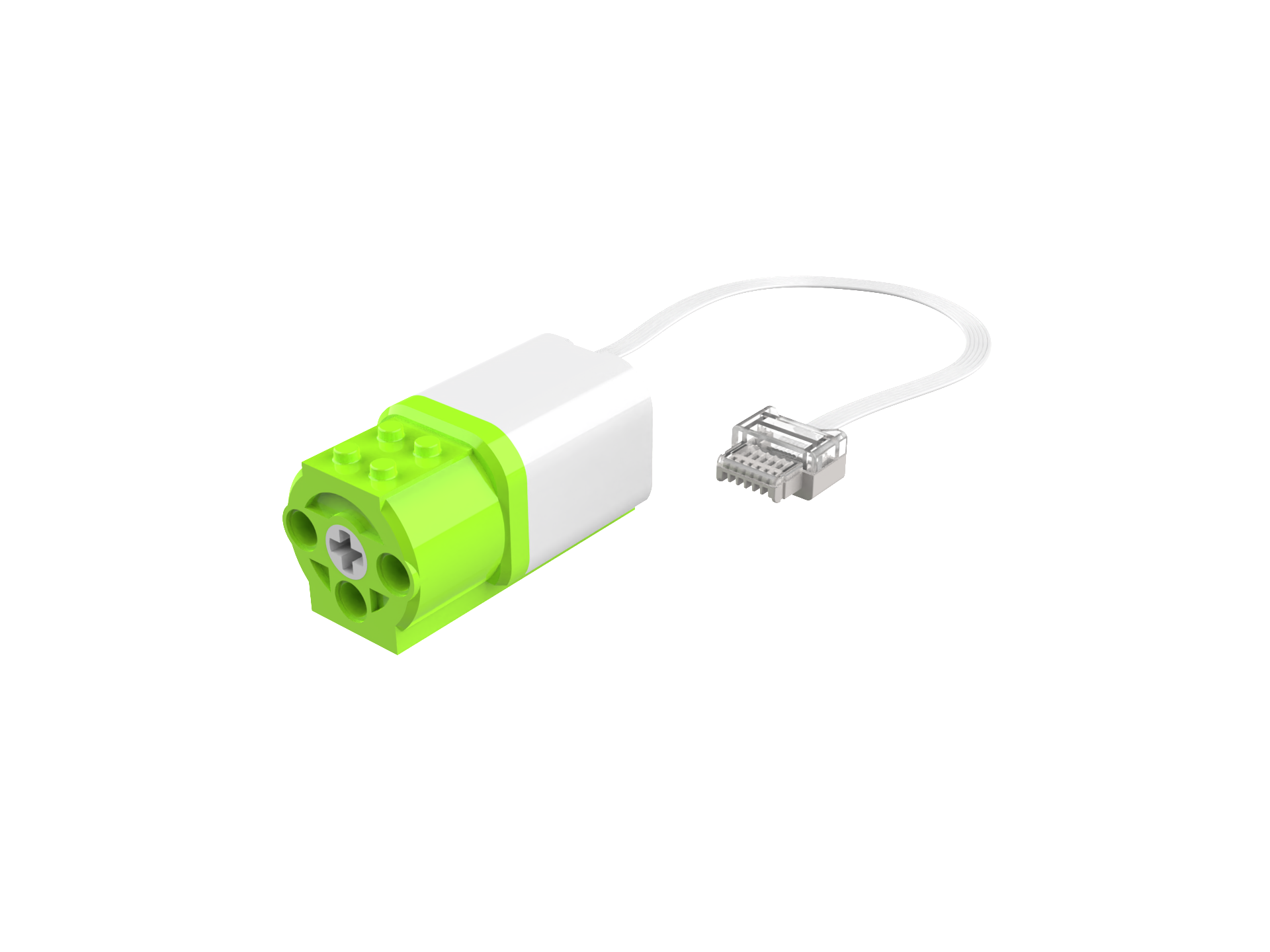
Motors × 2 |
Structure Setup
|
|
|
|
|---|---|---|---|
Step 1 |
Step 2 |
Step 3 |
Step 4 |
|
|
|
|
Step 5 |
Step 6 |
Step 7 |
Step 8 |
|
|
|
|
Step 9 |
Step 10 |
Step 11 |
Step 12 |
|
|
|
|
Step 13 |
Step 14 |
Step 15 |
Step 16 |
|
|
||
Step 17 |
Step 18 |
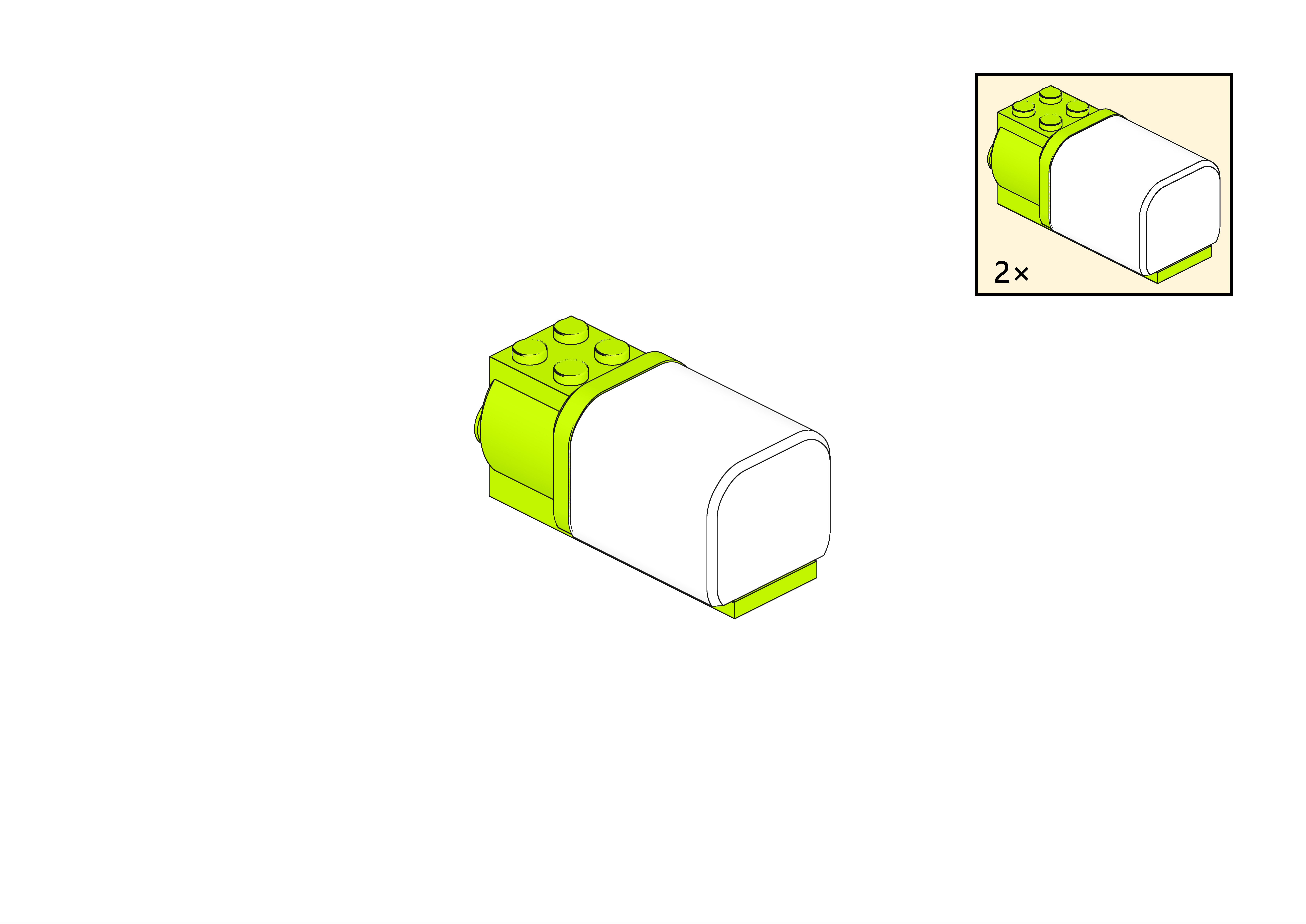
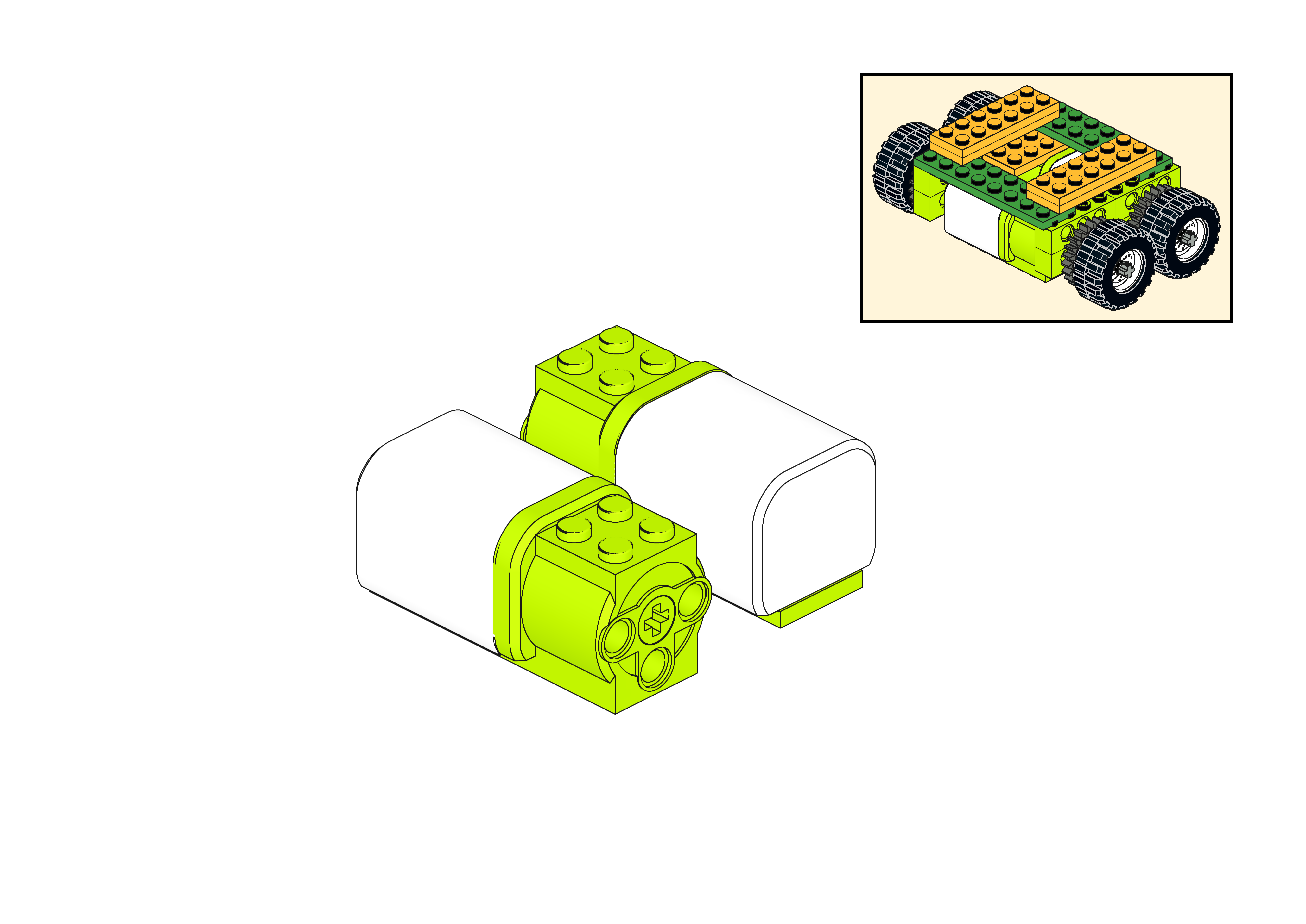
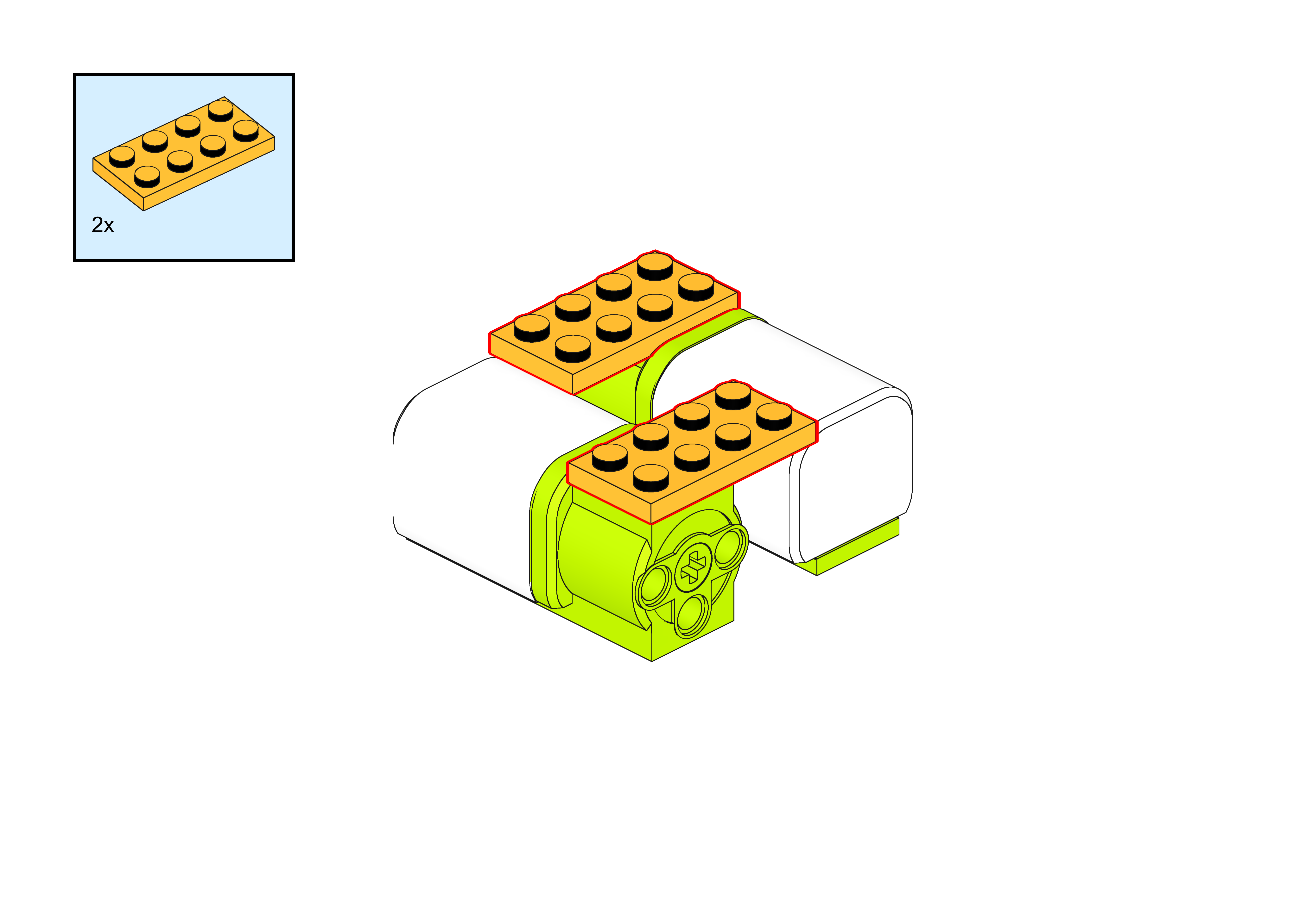
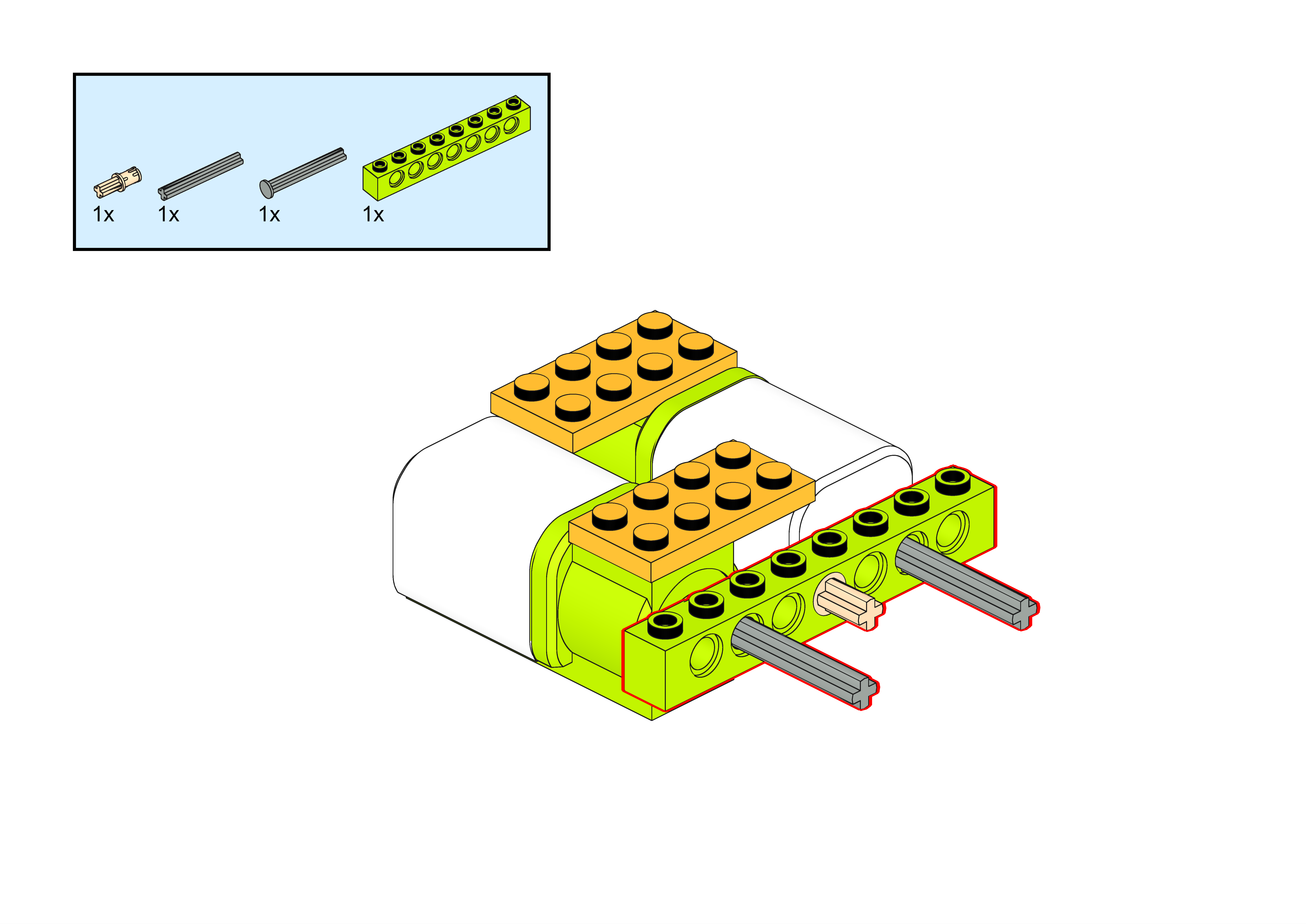
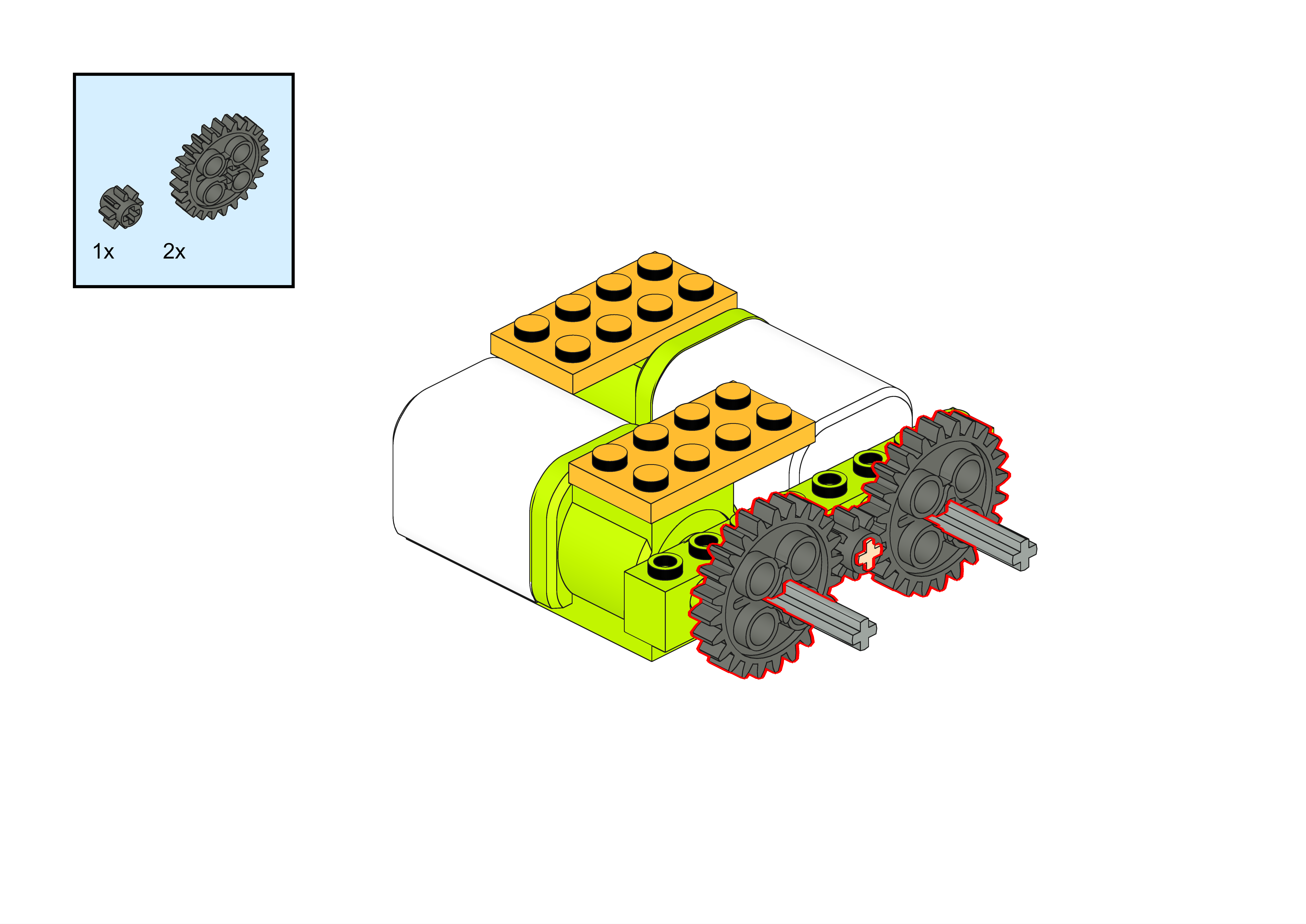
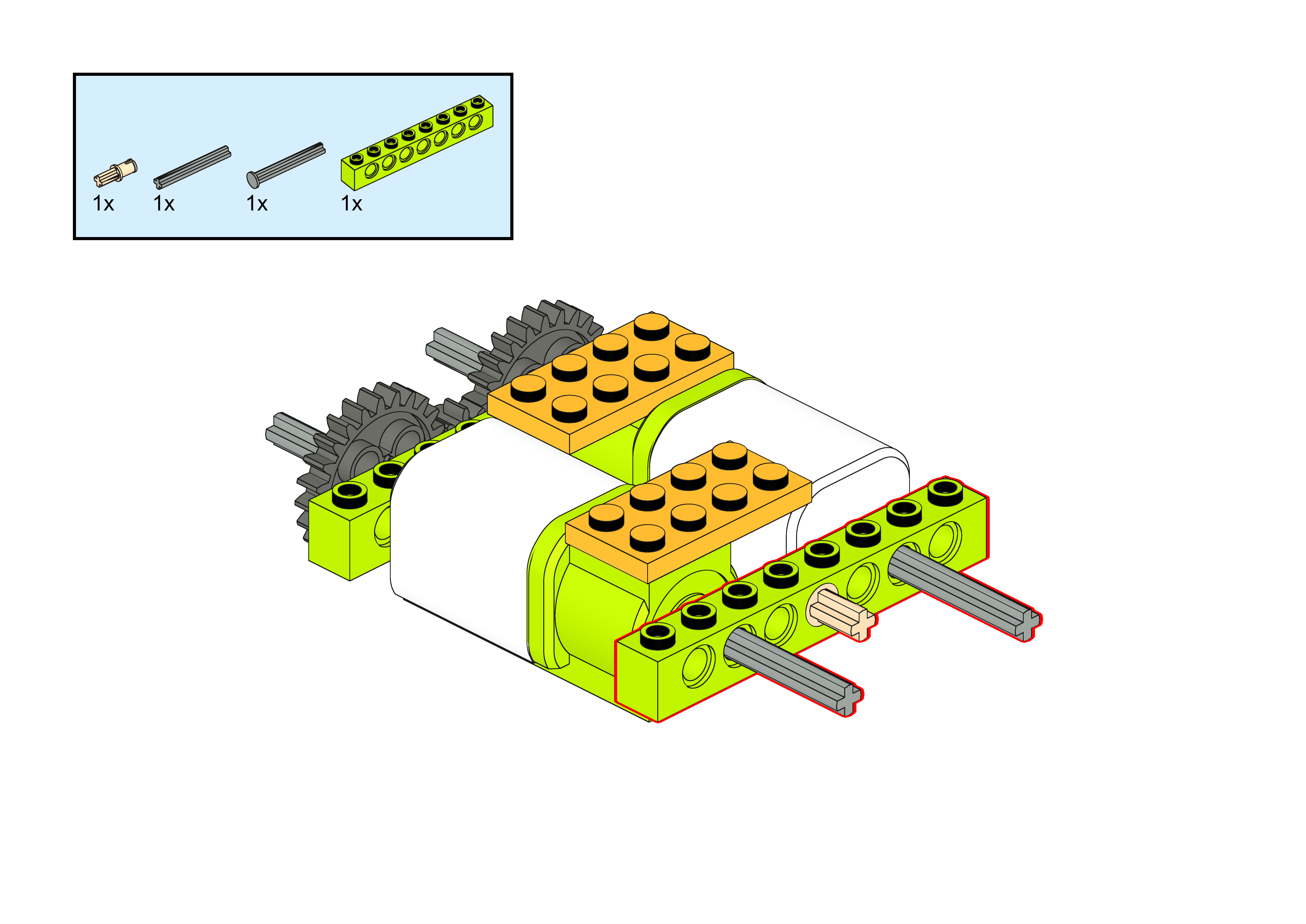
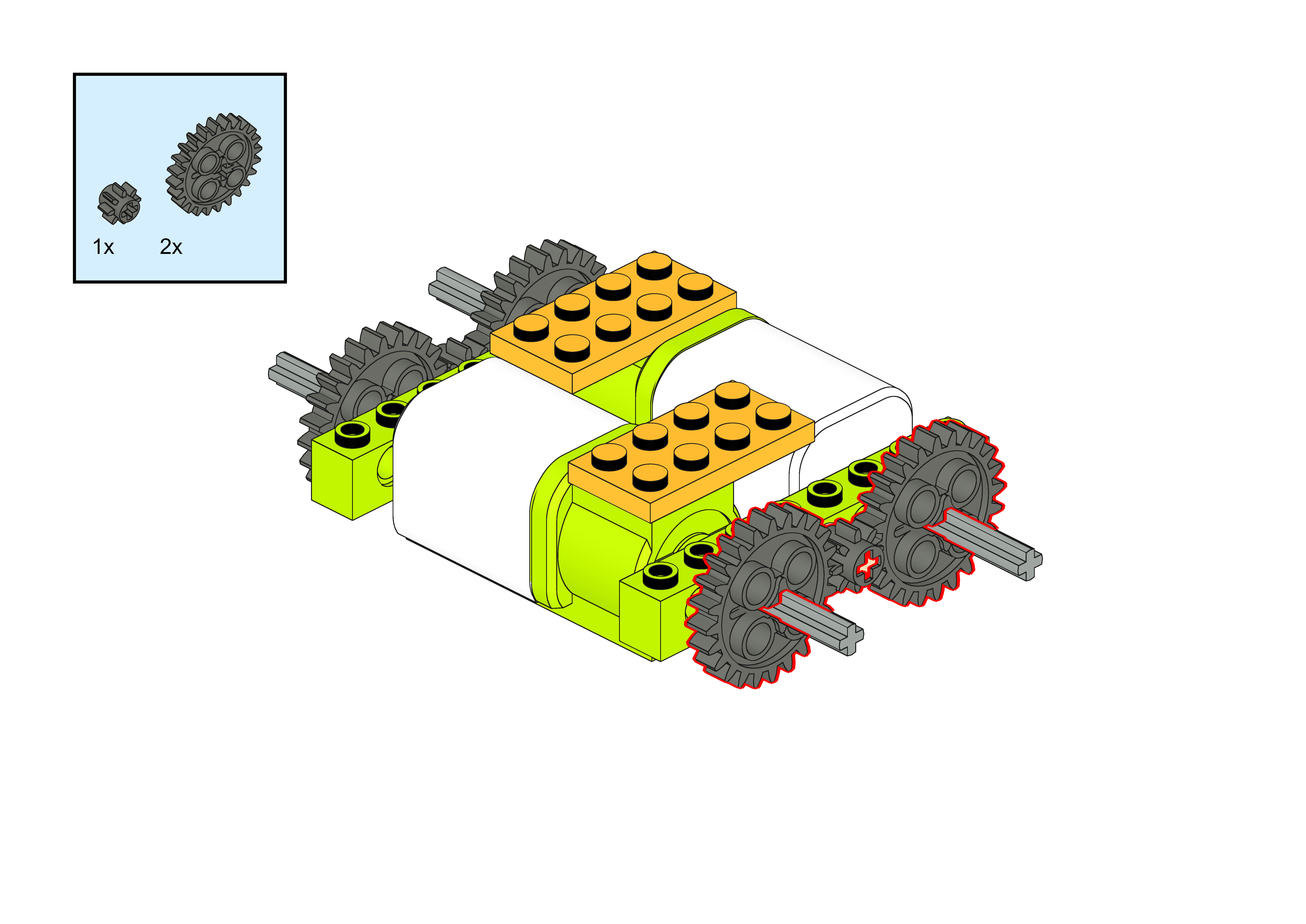
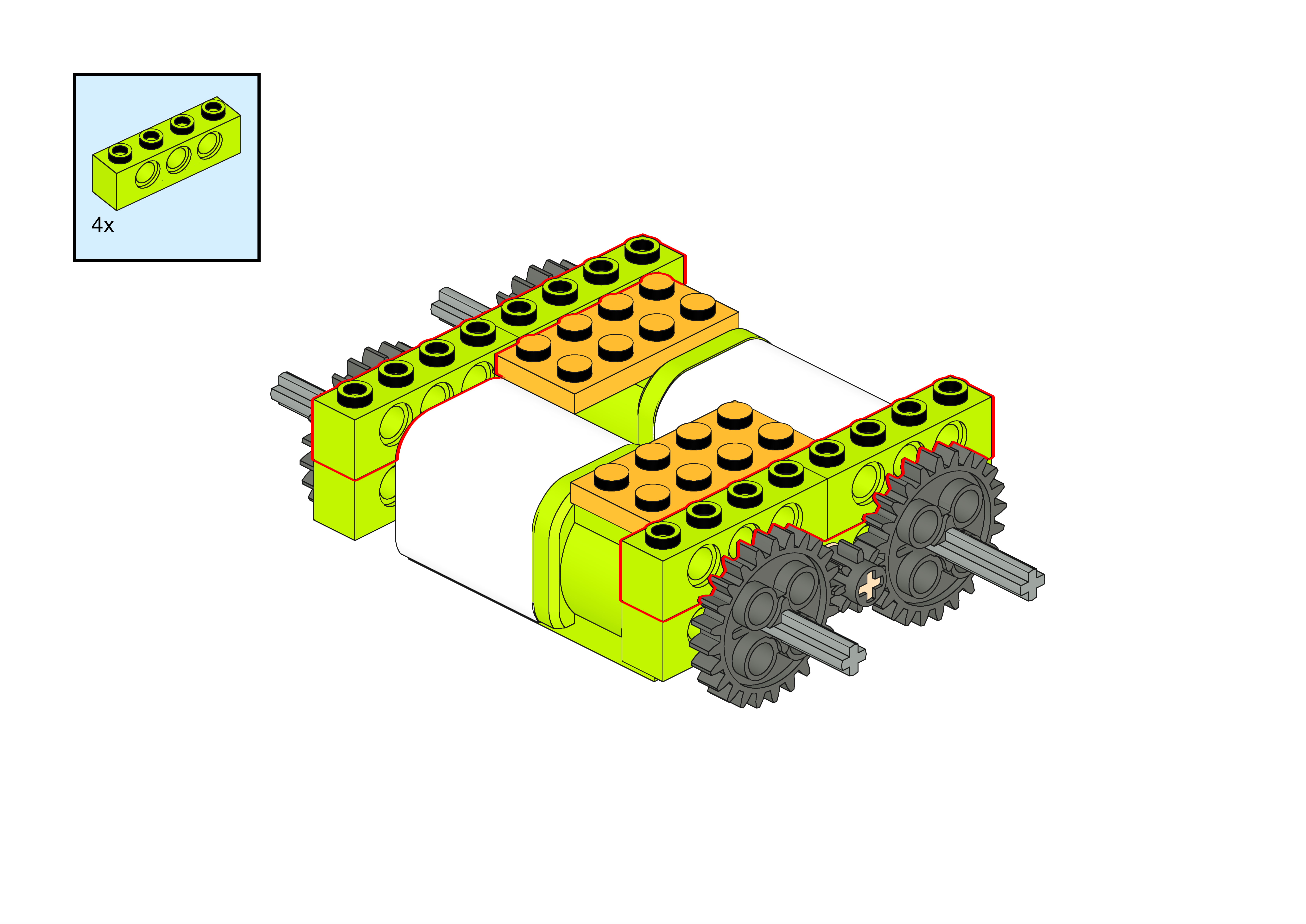
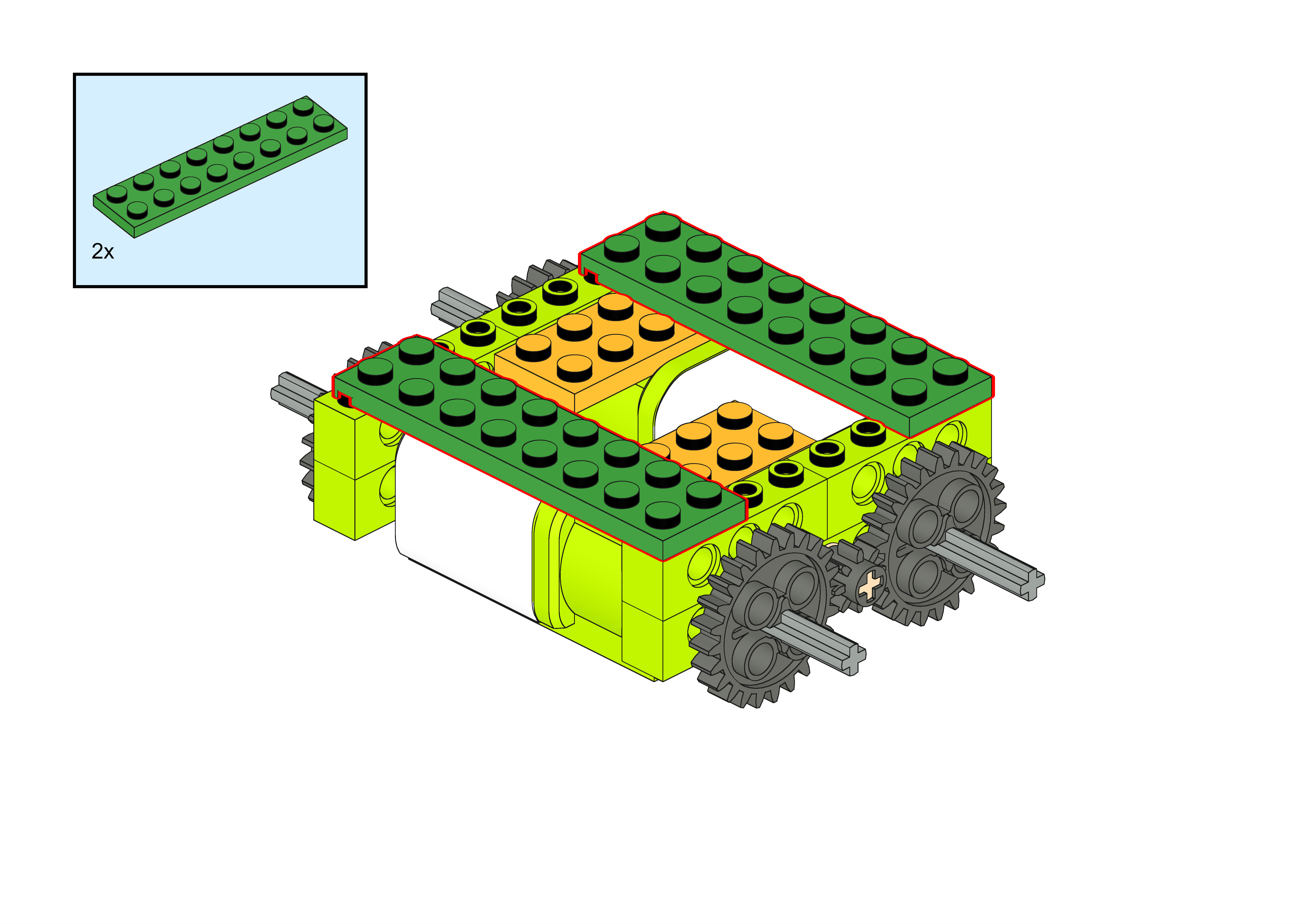
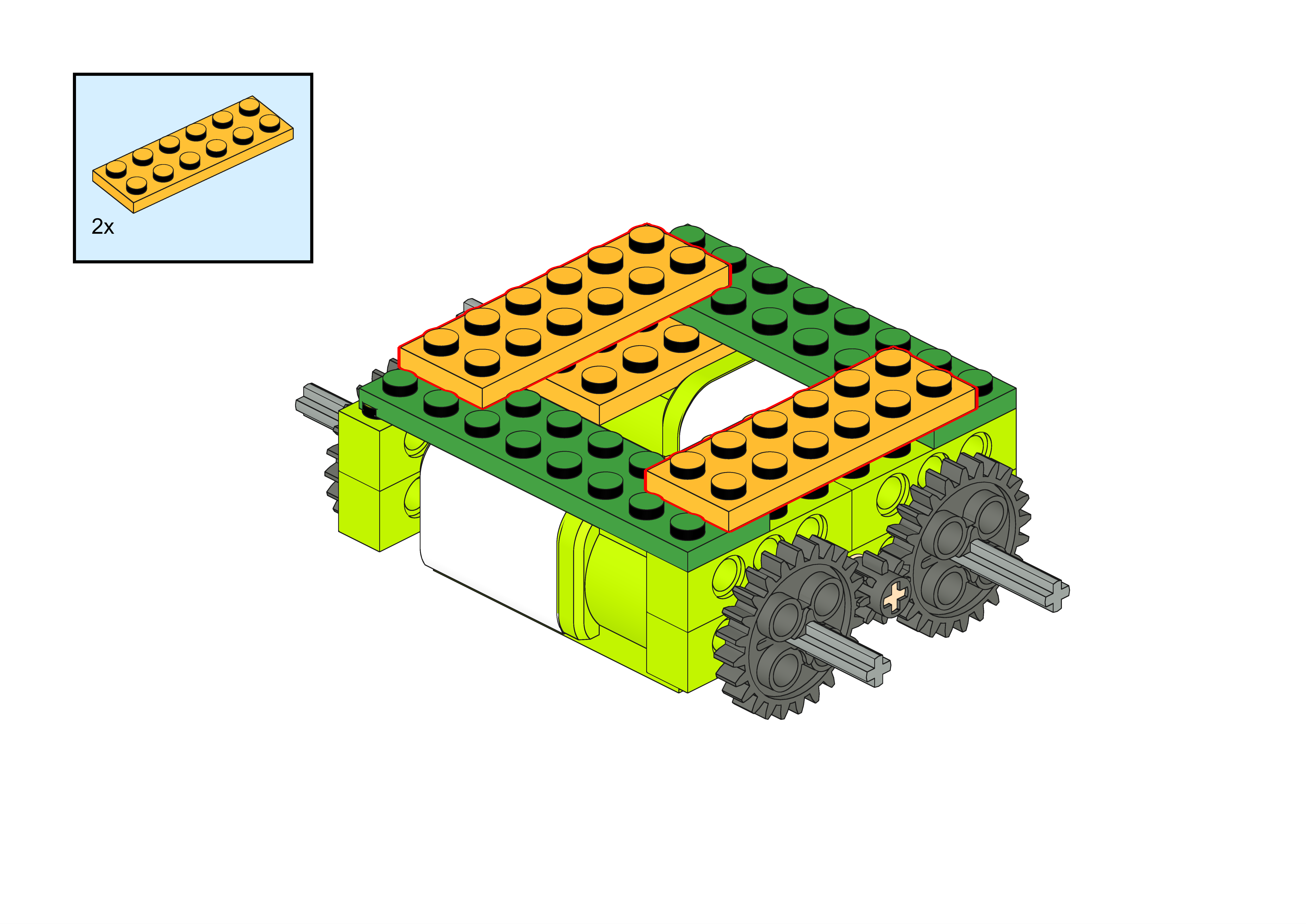
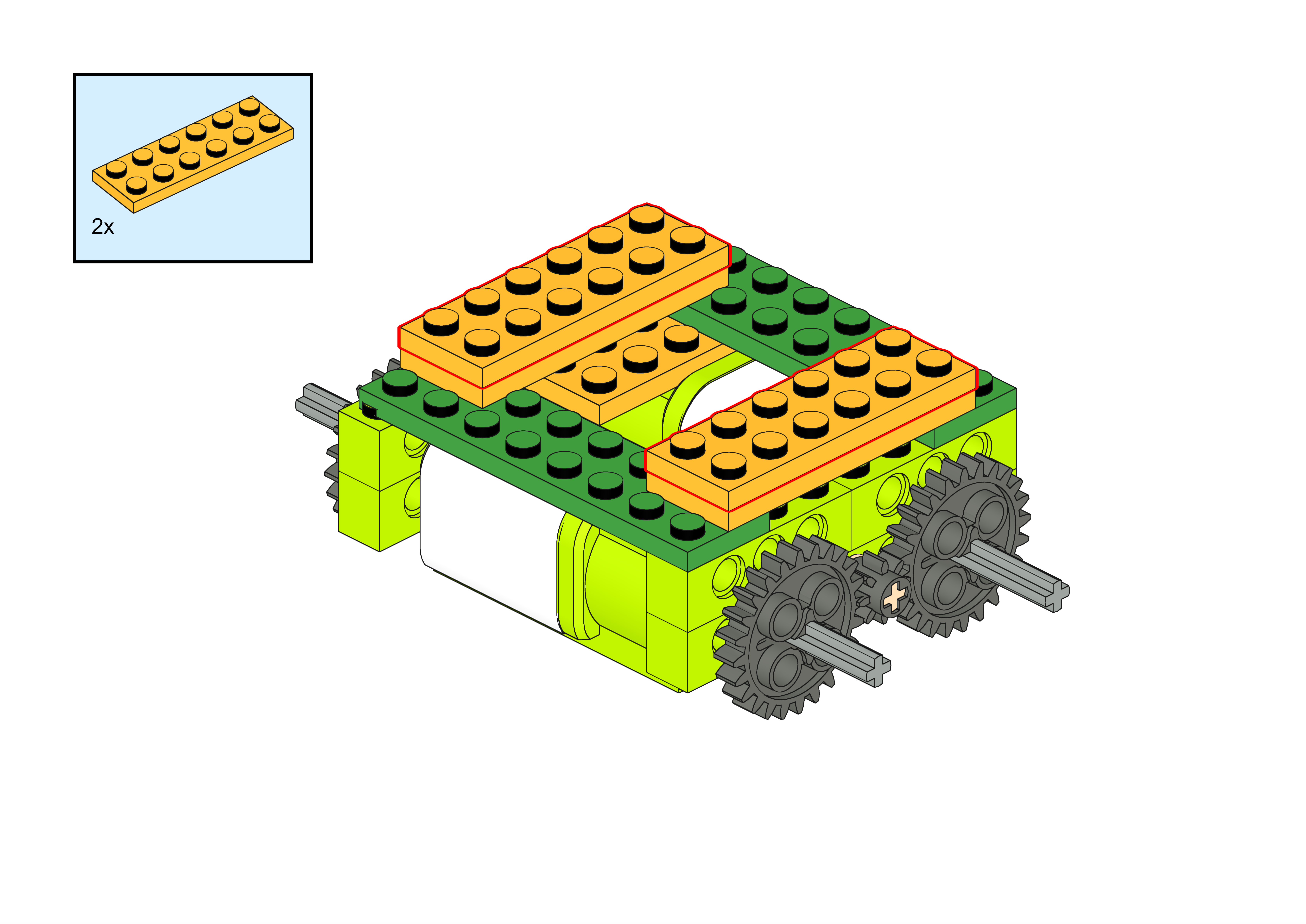
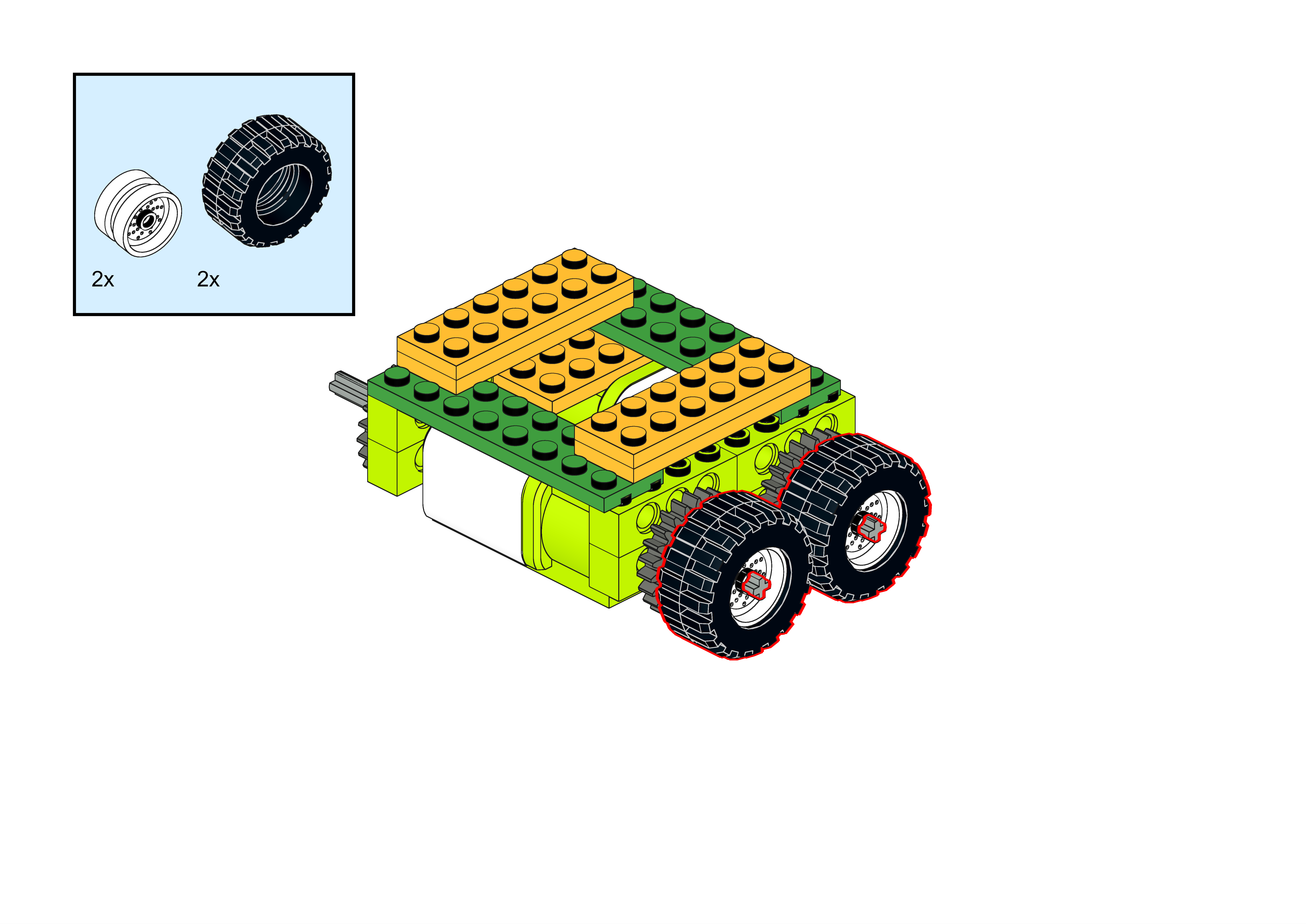
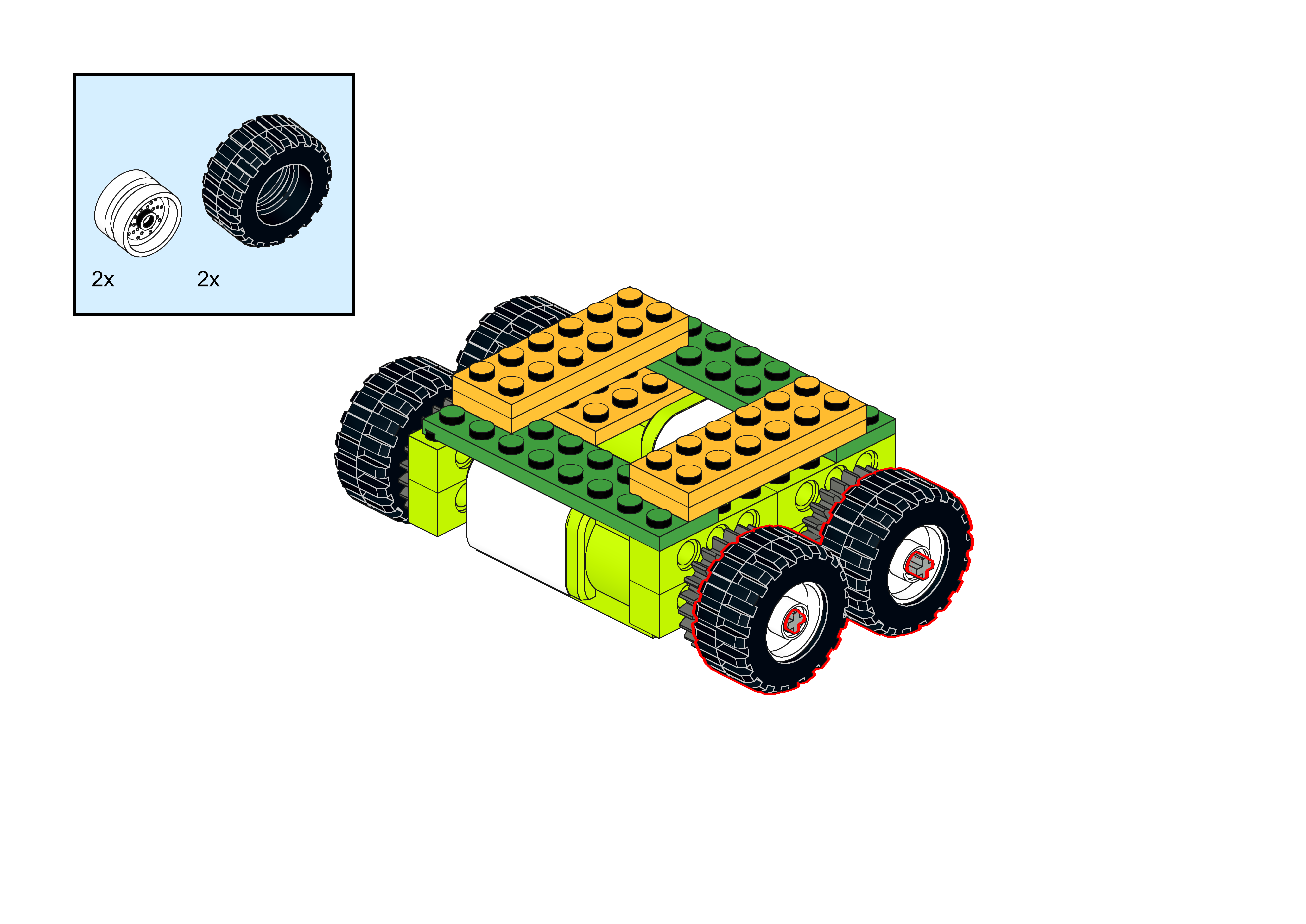
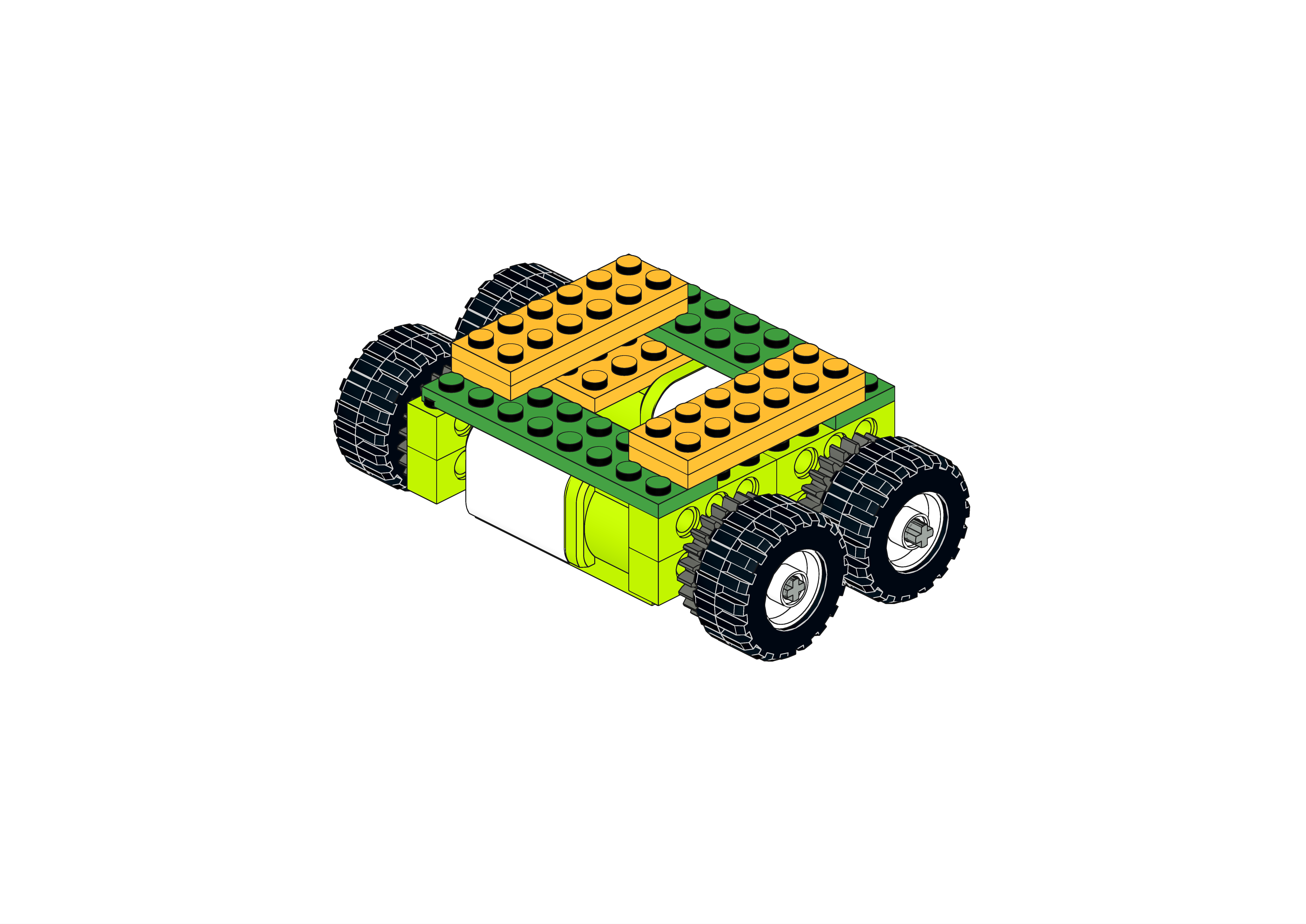
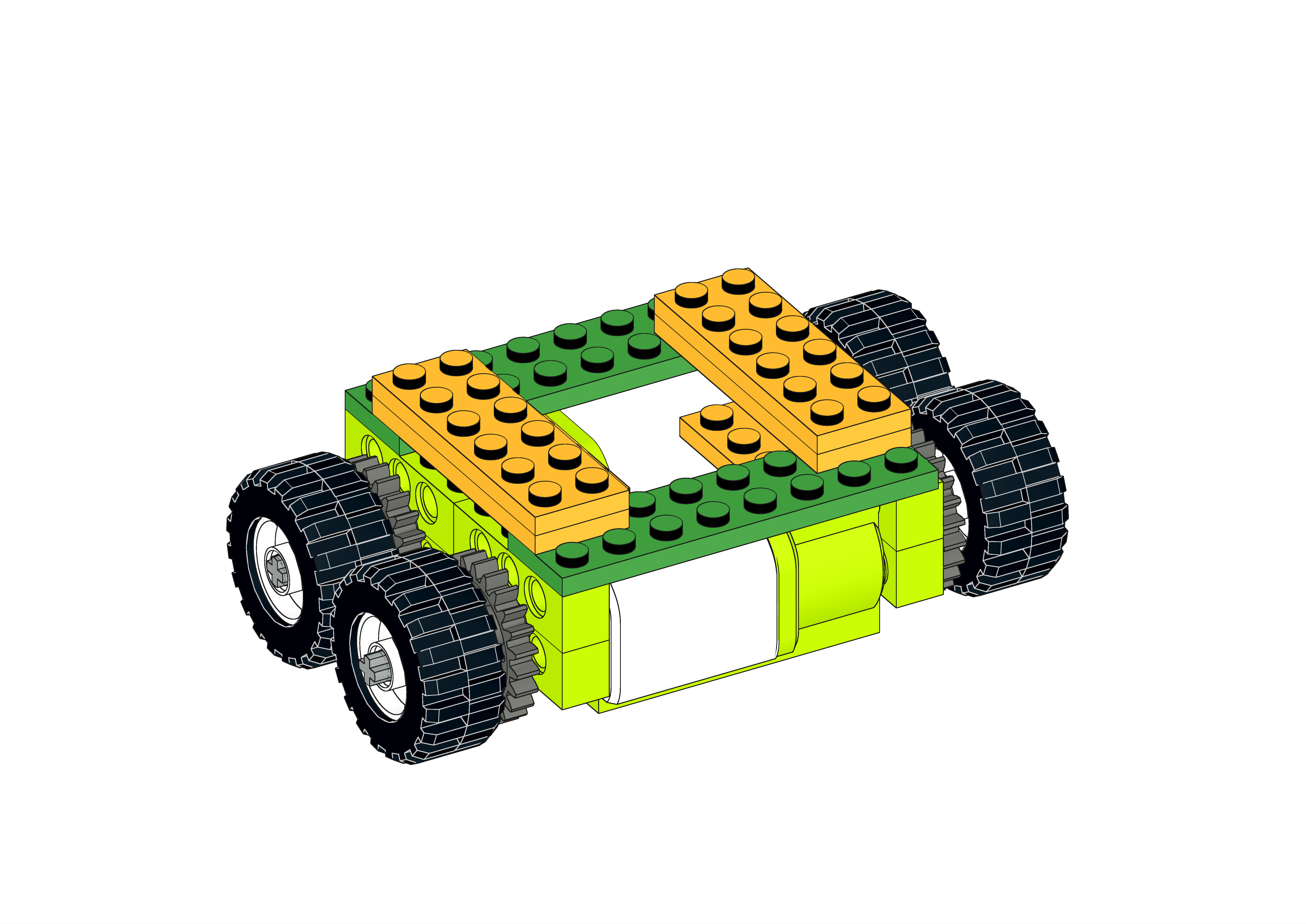
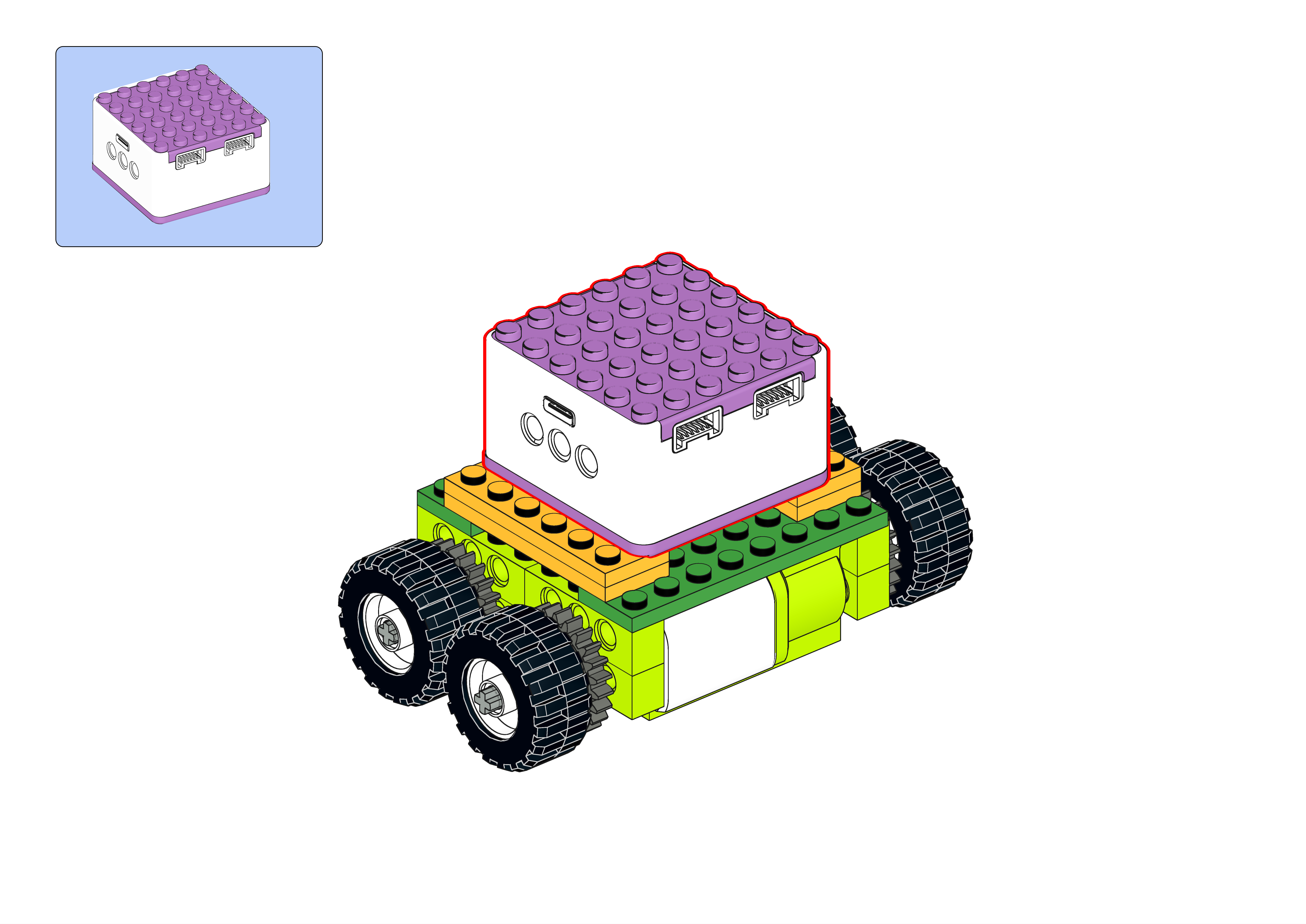
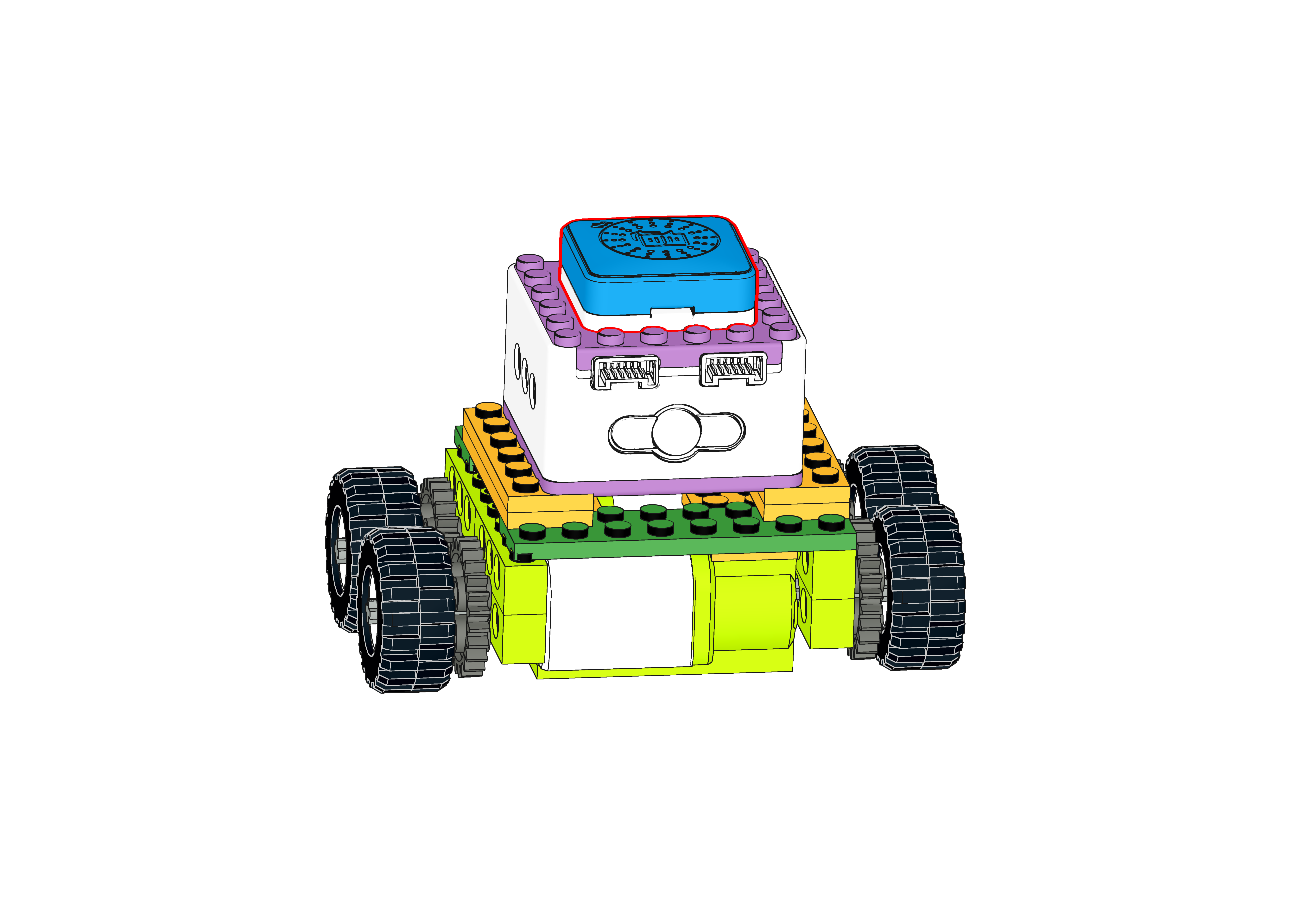
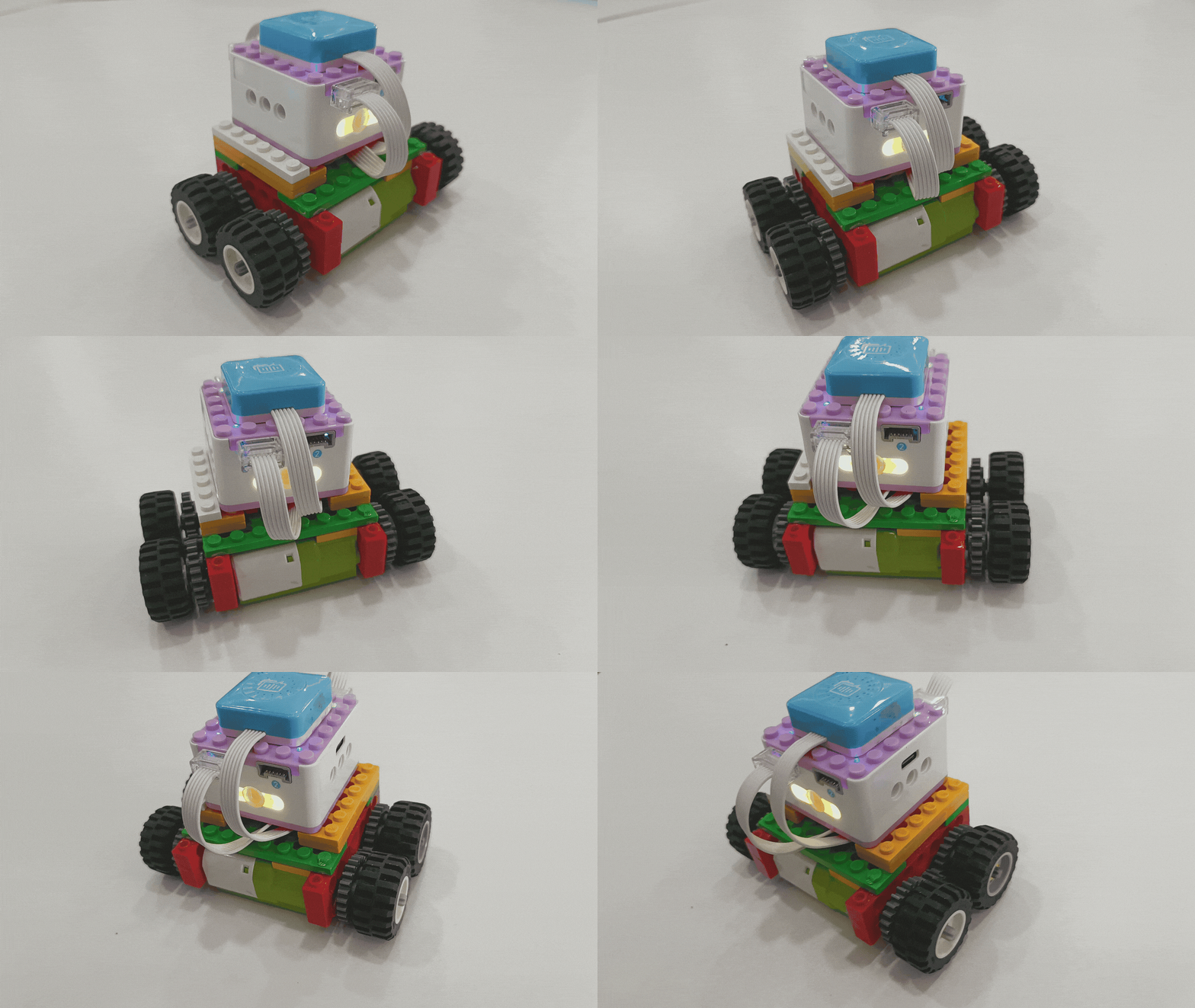
Demonstration
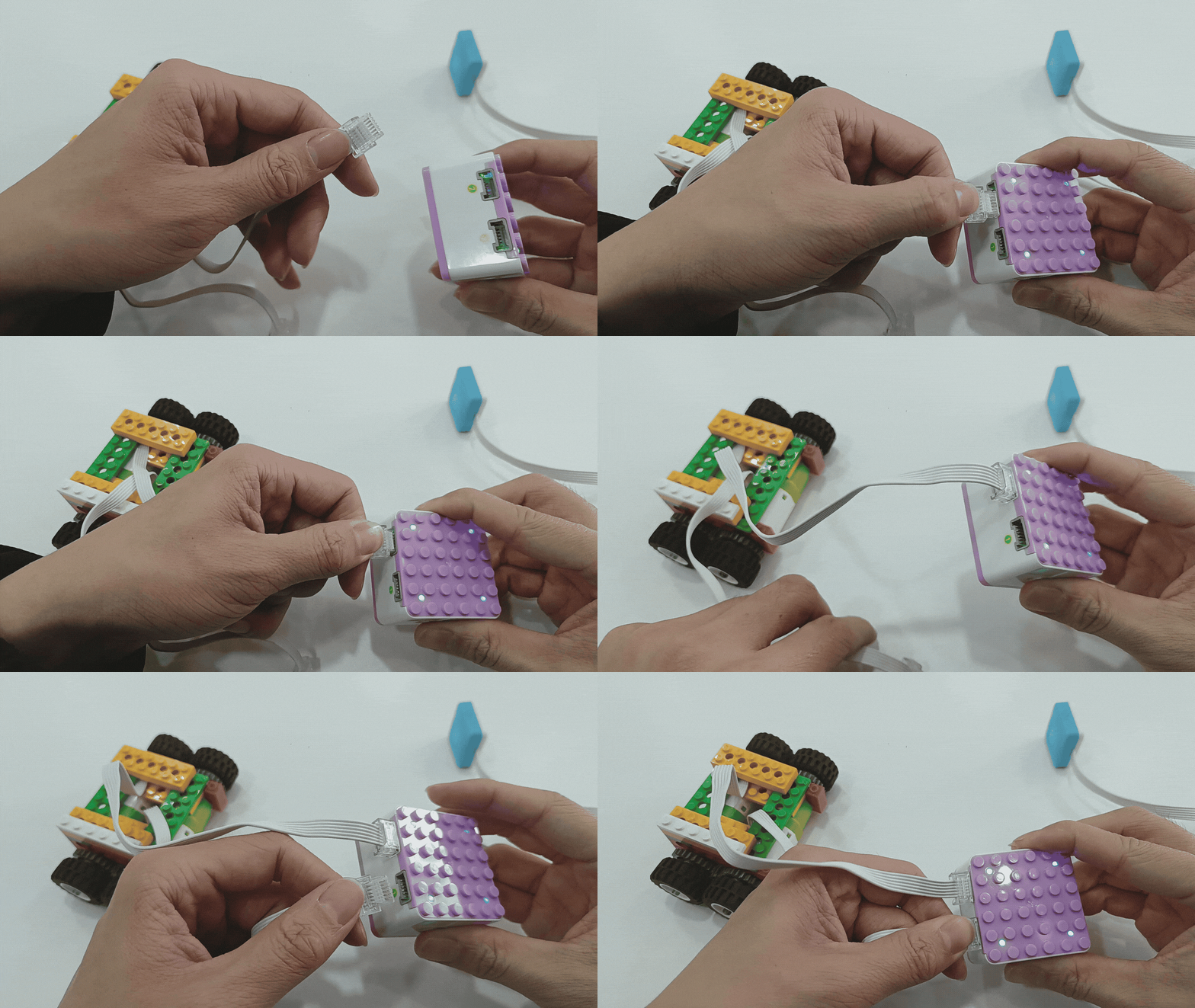
Steps Display
|
|
|---|---|
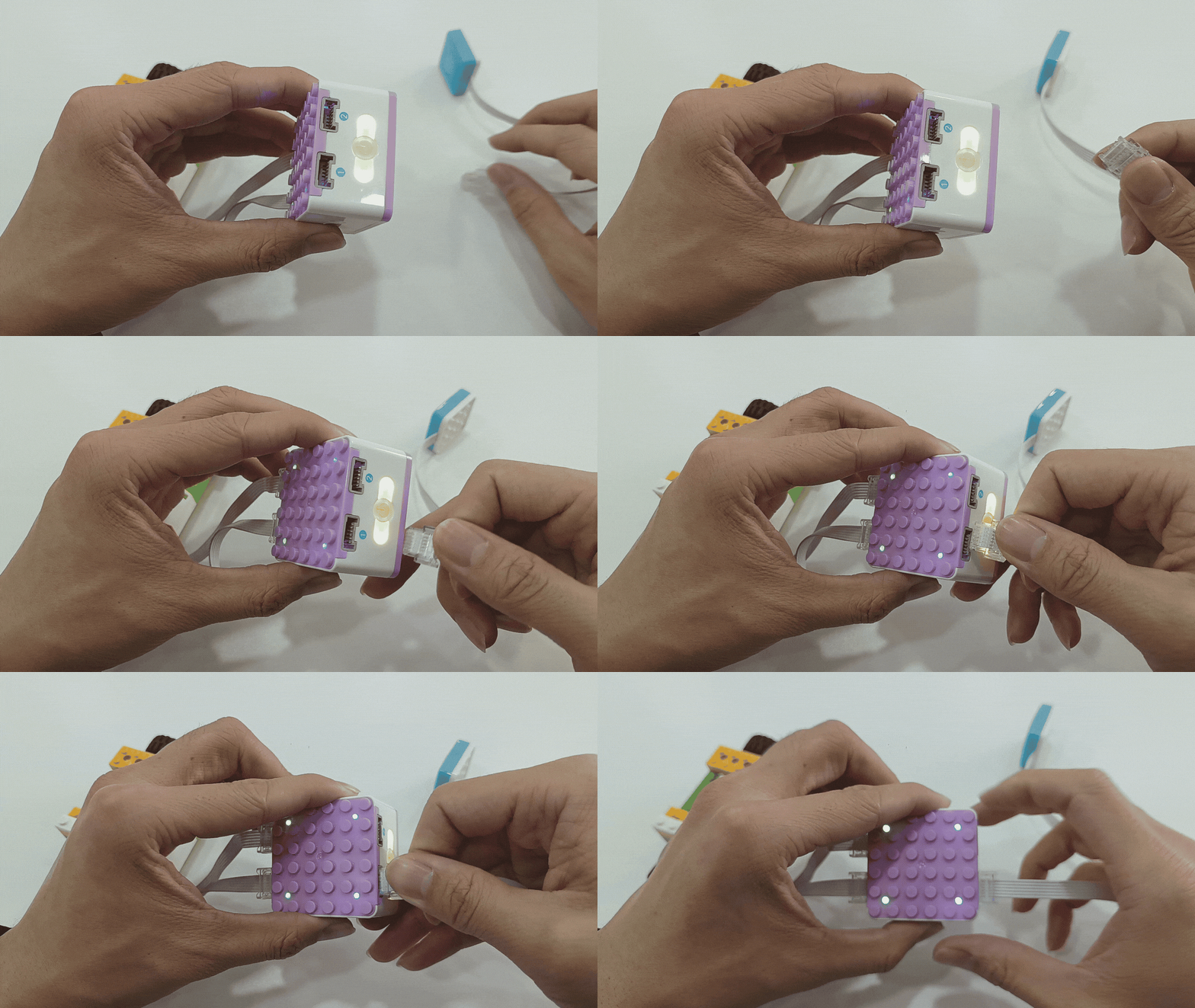
1、Press and hold the power button on the Xiao Q Robot for 3s to power it on. |
2、Connect the voice recognition sensor to Port 1 (blue side). |
|
|
3、Wake up the voice recognition sensor by saying “Hello Xiao Q” and |
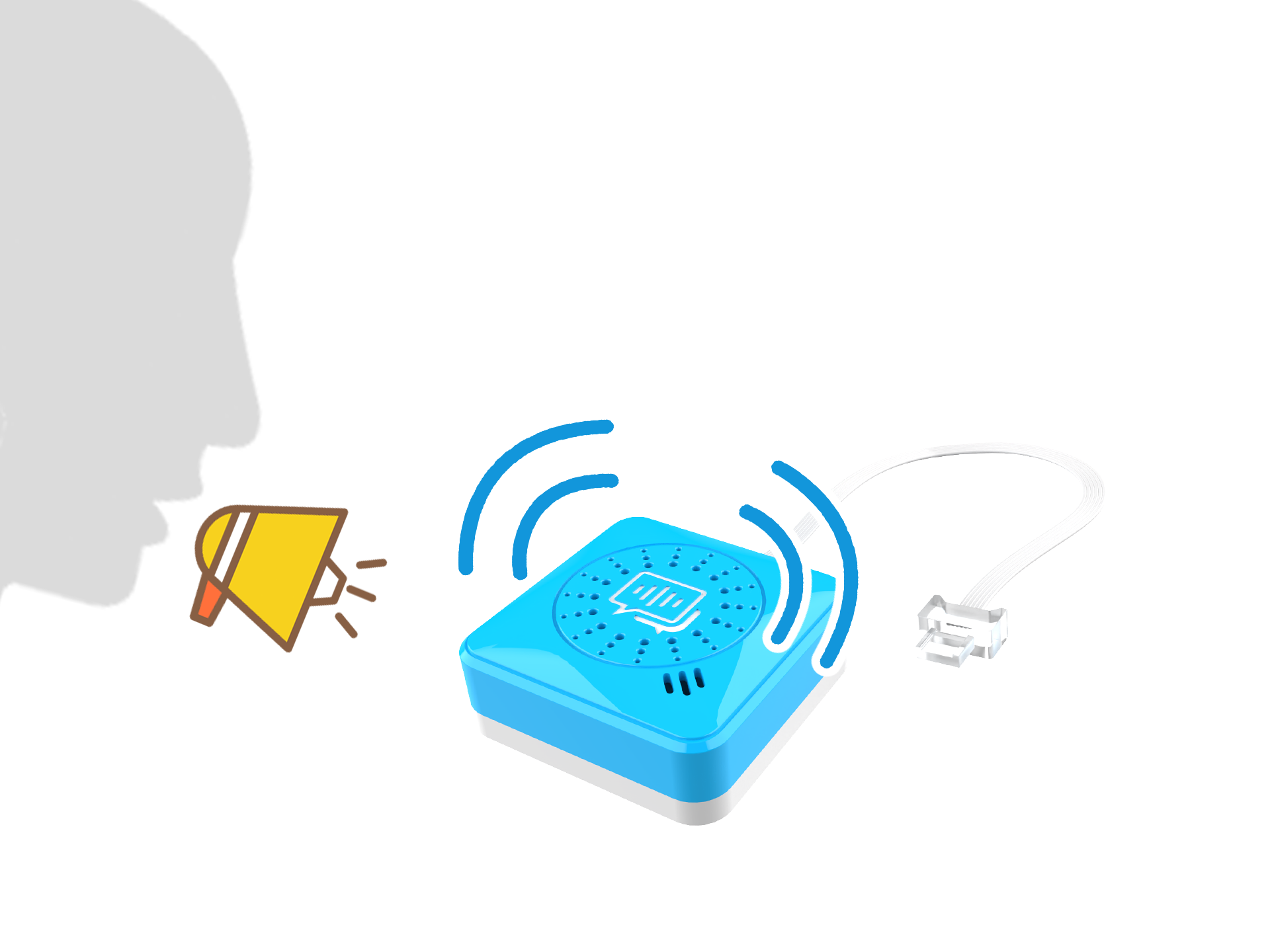
Attached: Detection diagram of the voice recognition sensor. |
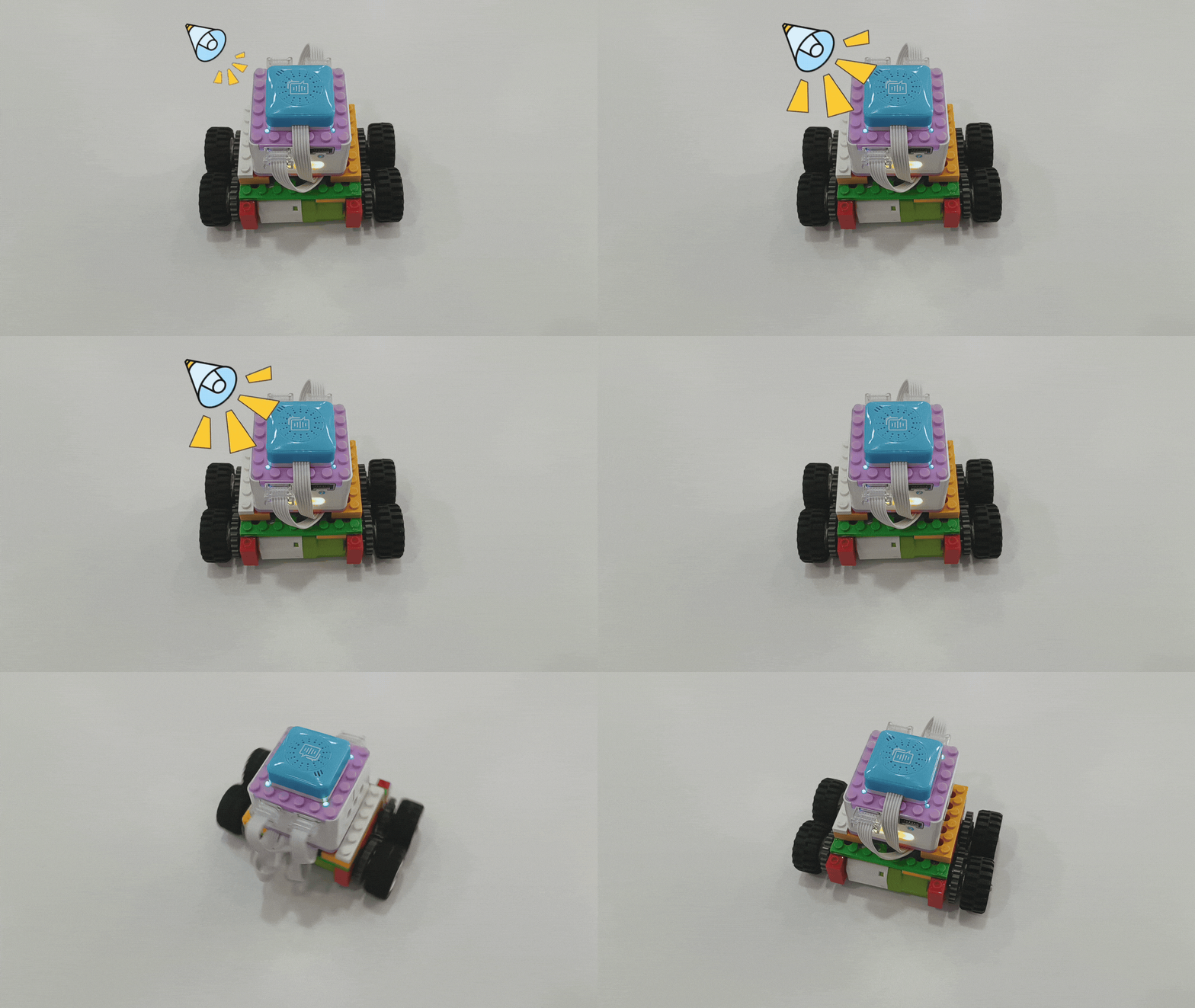
*Other command word effects can be tried on your own. Click here to learn more command words.
Voice Command List
Type |
Commands |
Responses |
|---|---|---|
wake-up phrase |
Hello,Xiao Q |
Xiao Q is here |
Motion commands |
Move forward |
Move forward recognized |
Motion commands |
Move backward |
Move backward recognized |
Motion commands |
Turn left |
Turn left recognized |
Motion commands |
Turn right |
Turn right recognized |
Motion commands |
Stop movement |
Stop movement recognized |
Motor commands |
Motor 1 run forward |
Motor 1 run forward recognized |
Motor commands |
Motor 1 run backward |
Motor 1 run backward recognized |
Motor commands |
Motor 1 stop |
Motor 1 stop recognized |
Motor commands |
Motor 2 run forward |
Motor 2 run forward recognized |
Motor commands |
Motor 2 run backward |
Motor 2 run backward recognized |
Motor commands |
Motor 2 stop |
Motor 2 stop recognized |
Waiting commands |
Wait for one second |
Wait for one second recognized |
Waiting commands |
Wait for two seconds |
Wait for two seconds recognized |
Waiting commands |
Wait for three seconds |
Wait for three seconds recognized |
Waiting commands |
Wait for ten seconds |
Wait for ten seconds recognized |
Waiting commands |
Wait for twenty seconds |
Wait for twenty seconds recognized |
Waiting commands |
Wait for thirty seconds |
Wait for thirty seconds recognized |
Waiting commands |
Wait for tilting |
Wait for tilting recognized |
Waiting commands |
Wait for shaking |
Wait for shaking recognized |
Waiting commands |
Wait for approching |
Wait for approching recognized |
Waiting commands |
Wait for button 1 press |
Wait for button 1 press recognized |
Waiting commands |
Wait for button 2 press |
Wait for button 2 press recognized |
Light commands |
Turn on the light |
Turn on the light recognized |
Light commands |
Turn off the light |
Turn off the light recognized |
Light commands |
Red light |
Red light recognized |
Light commands |
Yellow light |
Yellow light recognized |
Light commands |
Green light |
Green light recognized |
Light commands |
Blue light |
Blue light recognized |
program start / finish command |
Start programing |
Start programing recognized |
program start / finish command |
Finish programing |
Finish programing recognized |
program run / stop commands |
Run the program |
Run the program recognized |
program run / stop commands |
Stop the program |
Stop the program recognized |